1
Script Configuration
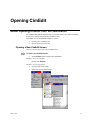
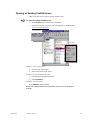
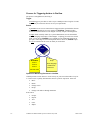
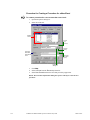
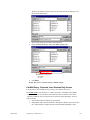
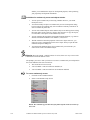
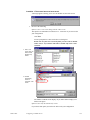
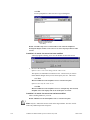
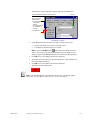
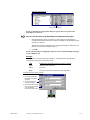
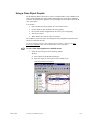
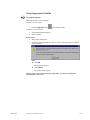
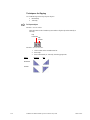
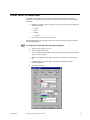
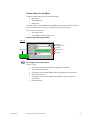
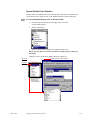
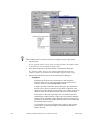
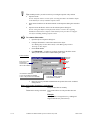
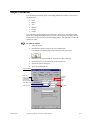
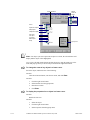
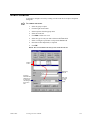
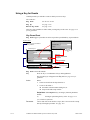
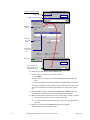
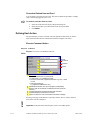
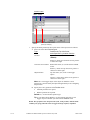
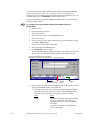
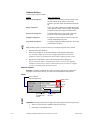
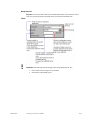
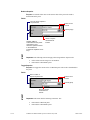
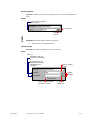
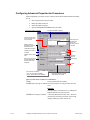
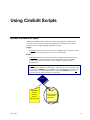
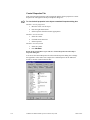
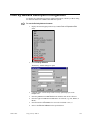
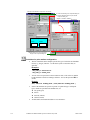
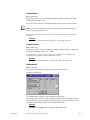
You configure a script through an object’s Properties dialog box. (An object can be the
screen, a frame, group, or object.)
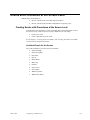
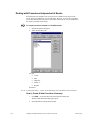
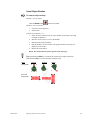
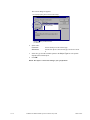
Basic choices for scripting include:
§
CIMPLICITY Basic Control Engine Language Reference
§
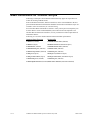
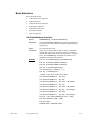
CIMPLICITY basic extension functions, operators and statements. These extensions
can be used in scripts created in the CIMPLICITY script window.
§
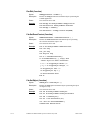
Basic Extensions for CimEdit Scripts–Replacements to obsolete CimEdit basic
extensions and current basic extensions. These extensions can be used in scripts
created in the CimEdit script window.
§
CimEdit/CimView
§
Object Model–CimEdit and CimView object model, listing the properties, methods,
objects and enums, which can be used in CIMPLICITY and other applications, such
as C++, that have the capability to create OLE based objects.
§
CIMPLICITY HMI Configuration Object Model
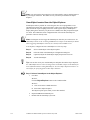
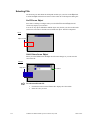
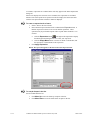
Note: There is a notion in CimEdit of "static" objects. These are objects that have no
animations, no actions, no help text and no name. The objects are compiled into very
small representations that cannot be manipulated by the object model. In fact, they won't
even show up in the GefObjects collection.
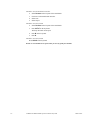
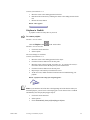
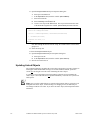
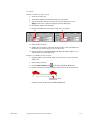
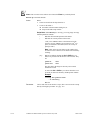
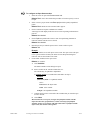
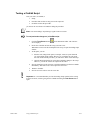
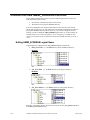
To make a static object accessible from the object model:
For a single object
1.
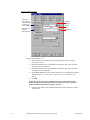
Open the object's Properties dialog box.
2.
Select the General tab.
3.
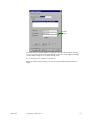
Enter a name in the Object name field.
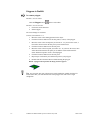
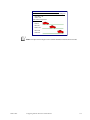
For an object in a group
If any object in a group has an:
§
Animation,
§
Action,
§
Help, or
§
Name,
then every object in that group will be accessible from the object model.
GFK-1396F
Using CimEdit Scripts
14-3