1
Rain Master Irrigation Systems
RME EAGLE User Manual
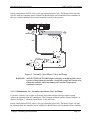
3.2.4.1 Locating Valves in the Field
WARNING: Do not turn on a controller station and then tap a wire to the station
terminal to see what valve the field wire is connected to.
This procedure may damage solid state controllers and will cause the
controller to go into a field-wire fault detection mode. The simple method
shown below is safe and will work for this type of controller.
WARNING: ALWAYS TURN-OFF POWER before changing or modifying field, sensor
or power wiring within the controller. Dangerous voltage and current exist
within the controller which may damage the controller if improperly
connected or shorted.
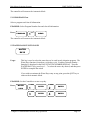
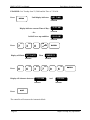
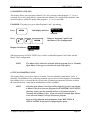
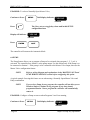
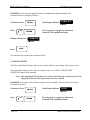
1. Using the MANUAL key, select S (for Stations) to turn on Station 1, select a runtime of one
(1) hour.
2. Place the Rain Switch to the “No Watering” position.
3. Touch the wire from the unknown field valve to the controller's Station 1 terminal/wire.
4. Place the Rain Switch to the “Automatic Watering” position and the valve on that wire will
be activated.
5. When you know what valve it is, place the Rain Switch to the “No Watering” position prior
to removing the field wire from the controller's station terminal/wire.
6. Repeat the procedure for the next field wire starting at Step 2 above.
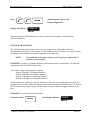
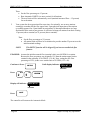
7. When all checks are complete, turn Station 1 off, by pressing the CLEAR key, then pressing
the QUIT key.
Chapter 3 Mounting and Installation
Page 25