1
BK-MMCSE12007EN_Combi01_ENG_NLD.book Page 22 Thursday, November 16, 2006 4:13 PM
Mitsubishi Multi Communication System
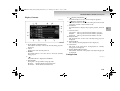
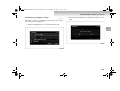
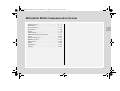
Route Menu
E08101900017
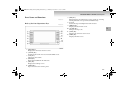
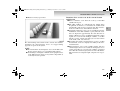
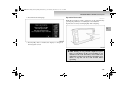
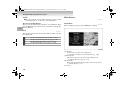
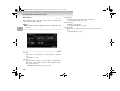
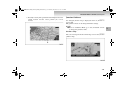
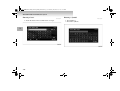
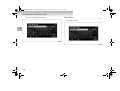
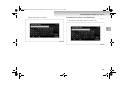
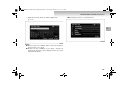
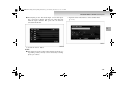
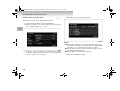
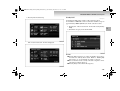
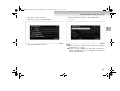
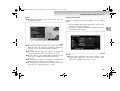
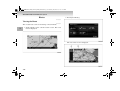
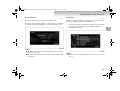
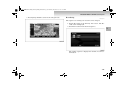
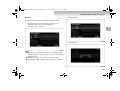
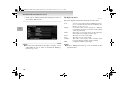
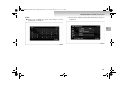
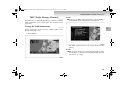
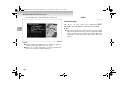
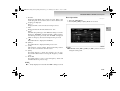
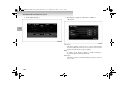
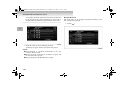
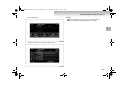
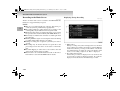
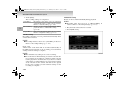
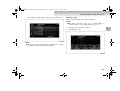
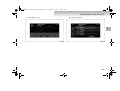
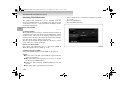
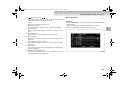
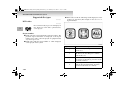
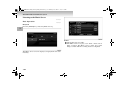
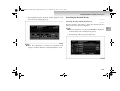
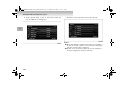
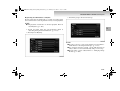
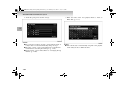
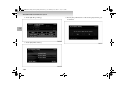
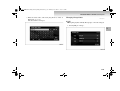
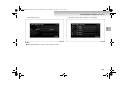
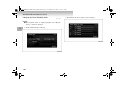
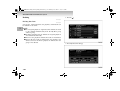
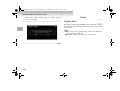
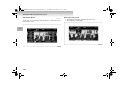
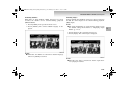
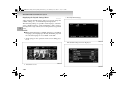
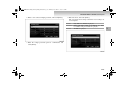
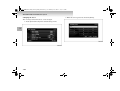
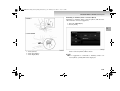
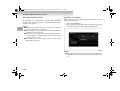
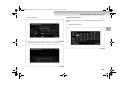
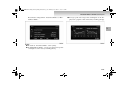
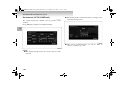
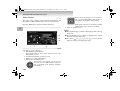
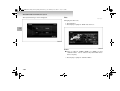
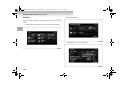
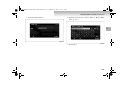
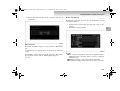
Touch [Route] on the current location screen to display. The
route can be viewed or edited.
NOTE
1
● The [Route] button is displayed when a destination has
been set.
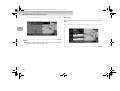
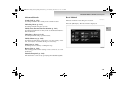
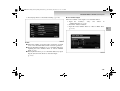
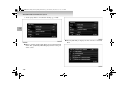
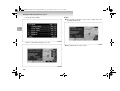
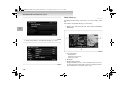
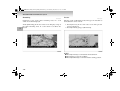
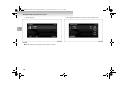
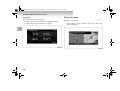
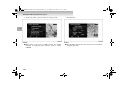
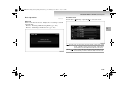
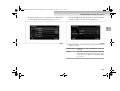
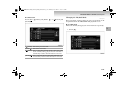
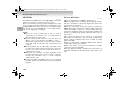
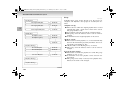
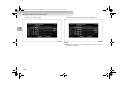
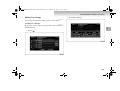
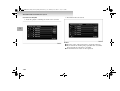
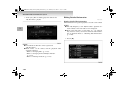
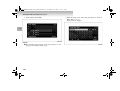
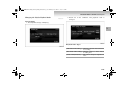
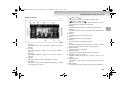
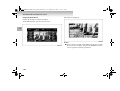
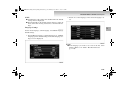
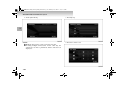
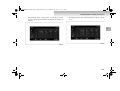
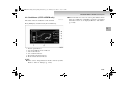
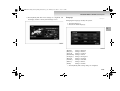
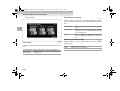
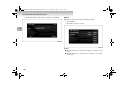
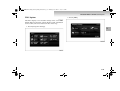
[Detour]
The route can be changed to one that detours a specified
area.
→ “Detour” (p. 1-74)
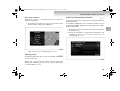
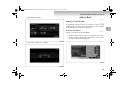
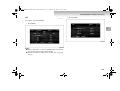
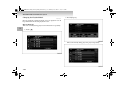
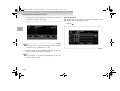
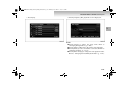
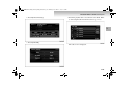
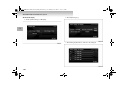
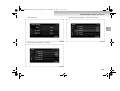
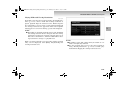
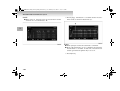
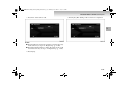
[Itinerary]
The destination position can be changed, a Intermediate
Destination can be added, and the route calculation conditions can be changed.
→ “Editing the Route (Itinerary)” (p. 1-76)
1-22
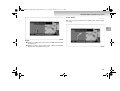
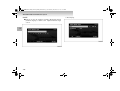
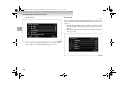
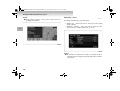
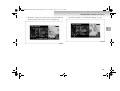
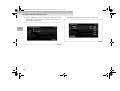
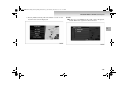
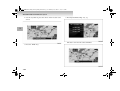
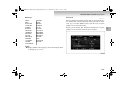
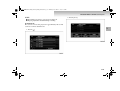
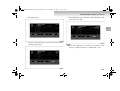
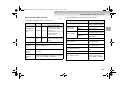
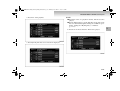
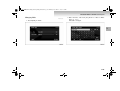
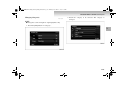
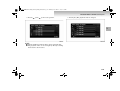
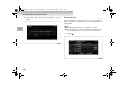
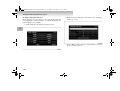
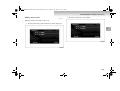
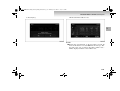
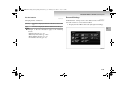
[View Route]
The route can be viewed using various methods.
→ “Viewing the Route” (p. 1-70)
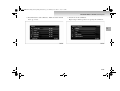
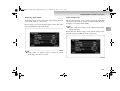
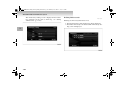
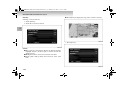
[Delete Route]
Deleting a created route.
→ “Deleting the Route” (p. 1-86)
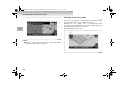
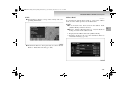
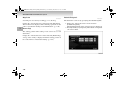
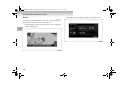
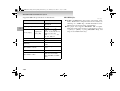
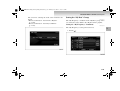
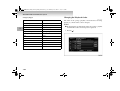
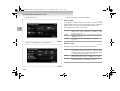
[Nearby POI]
POI can be searched for in the vicinity of the current location.
→ “Nearby POI” (p. 1-59)