1
BK-MMCSE12007EN_Combi01_ENG_NLD.book Page 26 Thursday, November 16, 2006 4:13 PM
Mitsubishi Multi Communication System
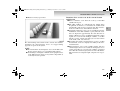
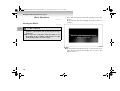
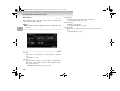
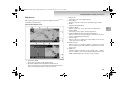
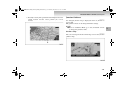
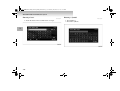
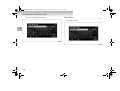
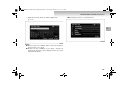
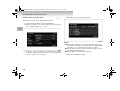
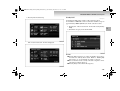
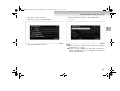
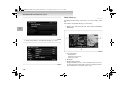
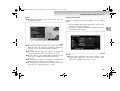
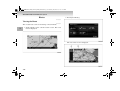
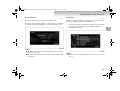
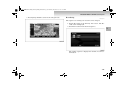
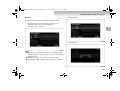
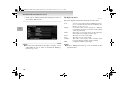
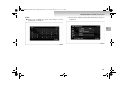
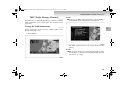
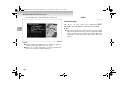
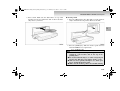
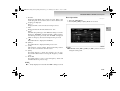
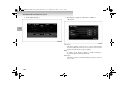
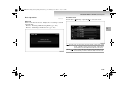
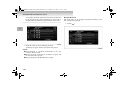
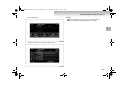
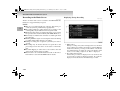
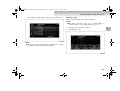
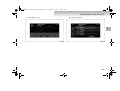
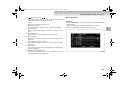
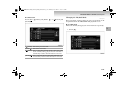
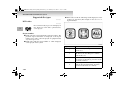
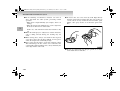
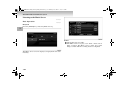
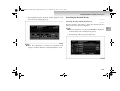
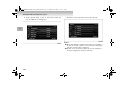
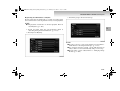
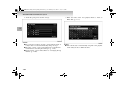
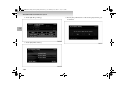
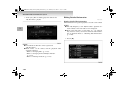
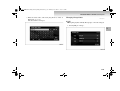
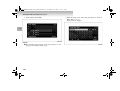
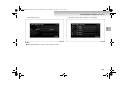
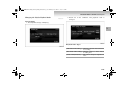
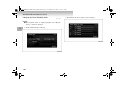
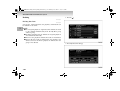
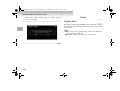
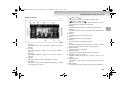
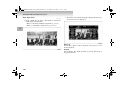
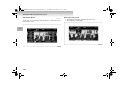
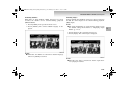
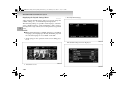
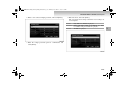
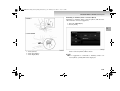
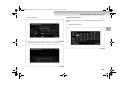
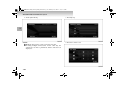
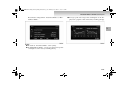
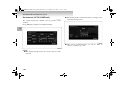
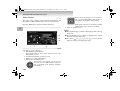
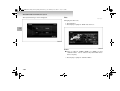
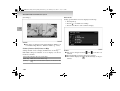
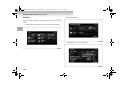
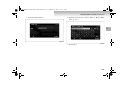
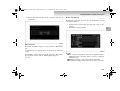
1. Touch the map section of the left map.
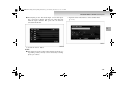
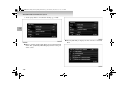
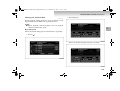
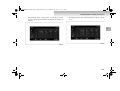
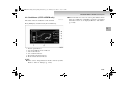
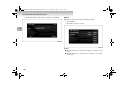
2. Touch [
] to display a wide area. A wider area can be
viewed each time [
] is touched.
1
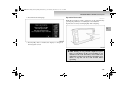
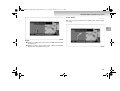
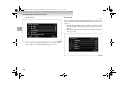
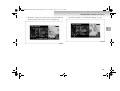
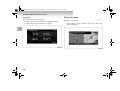
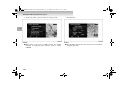
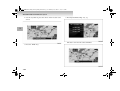
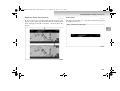
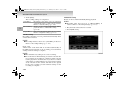
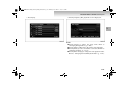
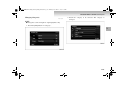
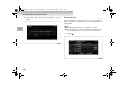
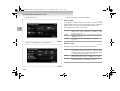
A scale bar is displayed.
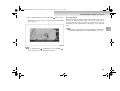
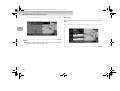
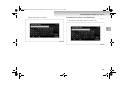
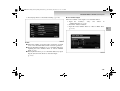
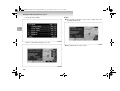
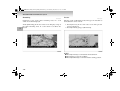
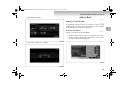
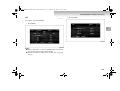
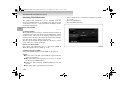
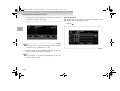
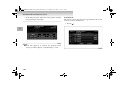
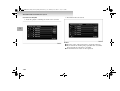
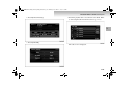
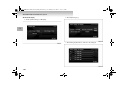
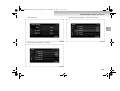
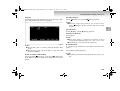
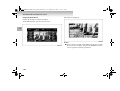
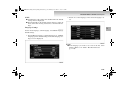
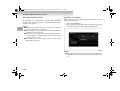
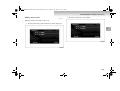
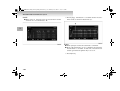
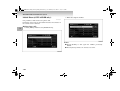
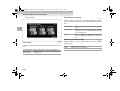
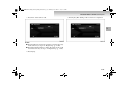
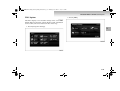
3. Touch [
] to display a detailed area. A more detailed
area can be viewed each time [
NOTE
] is touched.
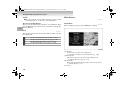
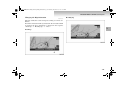
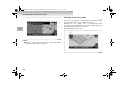
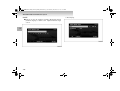
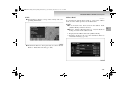
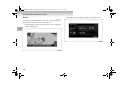
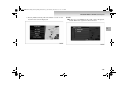
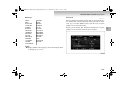
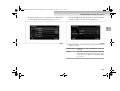
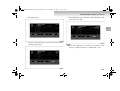
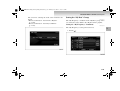
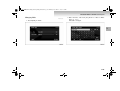
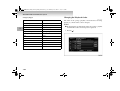
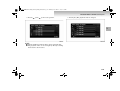
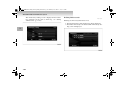
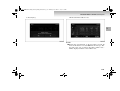
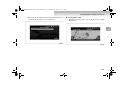
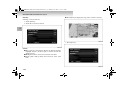
● Perform these operations while the scale bar is being displayed.
● Touch and hold [ ] or [ ] to change the scale using
smooth zoom.
1-26