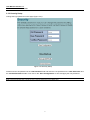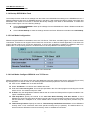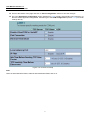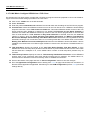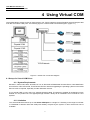
1
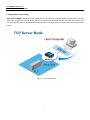
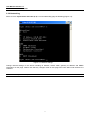
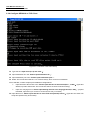
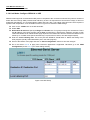
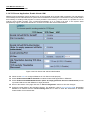
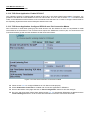
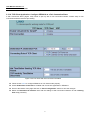
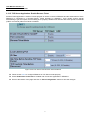
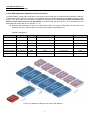
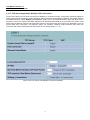
User Manual Version 1.0 SE5001A Serial Device Server 3.2.5. Configure SE5001A as TCP server Figure 3.7 Link Mode: TCP Server Setup Type 1 (Link Mode) from “Input choice and enter (1~4):” of COM1 Type 1 (TCP Server) in the “Input choice(1~5) and enter:” Input local port in the “Please input local port:” To Enable IP filter: Input y in the “Do one want to enable IP filter(y/n)?” to enable IP Filter. Otherwise input n. Input source IP in the “Please input Filter_IP :” Double click “Enter” key Input idle time in “Please input idle time to send TCP alive packet(x*10sec):”(ex. Input 2 to change the sending TCP keep alive packet period to 20 sec) Note: 1. IP filtering function is disabled if setting FILTER_IP to “0.0.0.0”. 2. IP filter is disabled by default 3. If IP filter is enabled, only source IP assigned can connect to SE5001A’s COM. 4. If the multi-connection firmware is installed, SE5001A will prompt for “Multi_Port”, meaning multiple connection 19