1
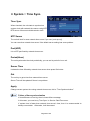
Daylight Saving Time (DST)
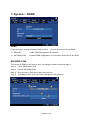
The unit is embedding world DST rules, and it always enabled.
DST vs. Location
DST rule is totally depends on your location.
Please, set correct GMT/Location in “Service::DateTime” menu.
“Service::DateTime” means DateTime menu in Service menu.
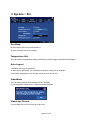
Effects of daylight
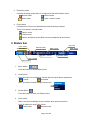
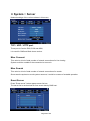
Time returns to one hour ago at the end of DST, this means one hour recording
data has same time stamp. The overlapped zone (B) could be handled optionally.
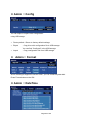
Refer to each menu descriptions in Chaptr 3. and Cpater 4..
A
DST term
End point of DST term
Back to one hour ago
No DST term (normal)
B
▪
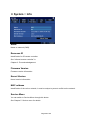
Playback
: The unit playback zone (A) and zone (B) both continuously.
▪
Calendar Search
: You can address exact time point in zone (B).
▪
Event Search
: You can limit search range to zone (B).
▪
Backup
: You can limit backup range to zone (B).
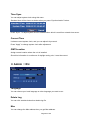
Updating DST rule
Once your location‟s DST rule is changed, then you need to upgrade firmware.
Otherwise, last DST rule or no rule will be applied.
If you can not upgrade firmware, we recommend to do followings;
▪
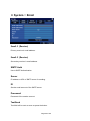
Backup
: Do backup prior to adjust system clock backward.
Otherwise, the overlapped data (zone (B) will be destroyed.
▪
Clock adjustment
: Adjust system clock in Service::DateTime menu.
Page 15 of 69