1
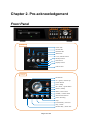
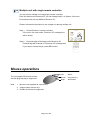
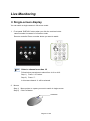
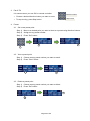
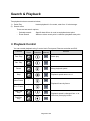
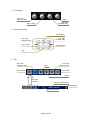
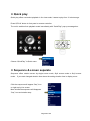
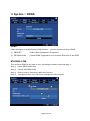
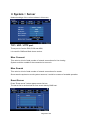
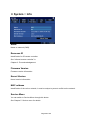
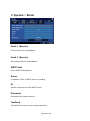
Live Monitoring Single-screen display You can watch a single camera in full screen mode. 1. Front panel „DISPLAY‟ button when you click the continue button camera number increases in full screen mode. Remote controller Press a number button you want to watch. TIP Select a channel over than 10 Follow below procedures to select form ch11 to ch16. Step 1) Press “+10” button. Step 2) Press “1”. In this case channel 11 will be selected. 2. Mouse Step 1) Move pointer to a pane you want to watch in single screen. Step 2) Click Left button. Left Button Page 21 of 69