1
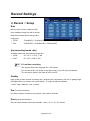
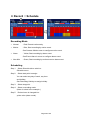
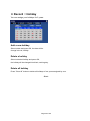
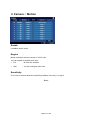
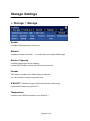
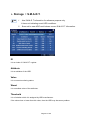
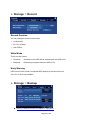
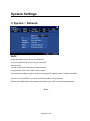
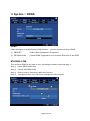
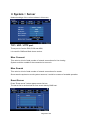
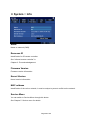
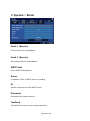
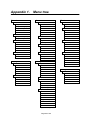
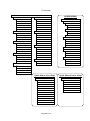
Chapter 4. Configuration Press or click Menu button in front panel or status bar to open menu panel. Menu naming rule TIP For example, “Record :: Setup” is indicating Setup menu in Record menu. (Record menu is a root menu, and Setup menu is a sub-menu) Summary ▪ Record - ▪ Camera - ▪ ▪ Alarm In & Out settings / Email report settings / Buzzer settings Display - Camera pane layout control / Status bar control - Spot output settings Storage - ▪ Camera naming / Audio on/Off / Color control Event - ▪ Image size settings / Frame rate settings / Schedule edit / Holiday settings Storage view / Formatting / S.M.A.R.T. view / Writing settings / Backup System - Network & Server settings - Log view & save to USB storage - User management - View DVR information : Remocon ID, F/W & Kernel version, MAC address - Gateway to Service menu - Time synchronization - Email settings Page 35 of 69