1
3DM-RQ1-45™ Ruggedized Inertial Navigation System User Manual
Basic Setup and Operations
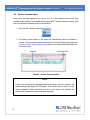
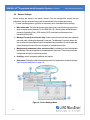
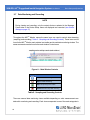
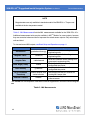
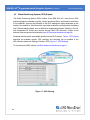
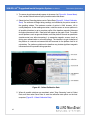
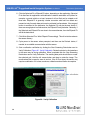
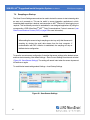
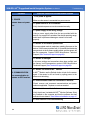
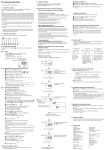
3. To record data, select the Arm Recording icon at any time.
4. Select the type of data file to generate: Binary or CSV. The CSV file is the most
common and can be viewed and processed by data editors such as Microsoft Excel ®.
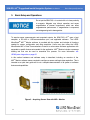
NOTE
If the data is recorded in Binary format it will require a translation program that
utilizes the LORD MicroStrain® MIP™ Data Communications Protocol to make
it user-readable.
Figure 13 - Data Recording
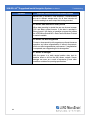
5. To end recording press the Arm Recording button again, and select OK in the
confirmation prompt window.
6. Select the Stop Streaming icon to end sampling.
7. Use the red "X" in the upper right of the sensor monitoring window to exit monitoring
mode.
21