1
CHAPTER 6. Scheduled Reports
This chapter describes the scheduled reporting functions of the OfficeServ DataView Web application.
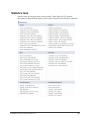
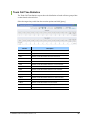
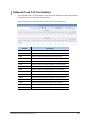
Scheduled reports include specific trunk reports and UCD reports selected by the user. Refer to ‘Chapter 4.
Statistics’ for descriptions of report items.
Scheduled Report Window Layout
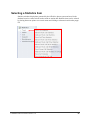
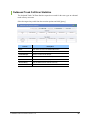
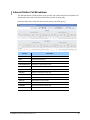
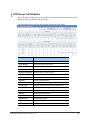
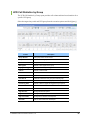
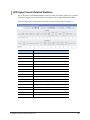
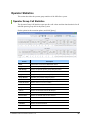
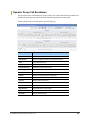
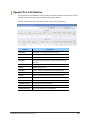
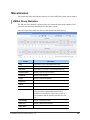
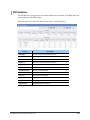
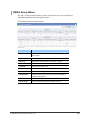
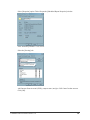
The general layout of a scheduled report window is shown below:
Page Title
Item Title
Creation Date
Period
Sum
Detailed
Results
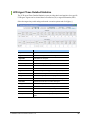
Page Title
This is the title of the current report: Daily Trunk Report, Daily UCD Report, Weekly Trunk
Report, Weekly UCD Report, Monthly Trunk Report, or Monthly UCD Report.
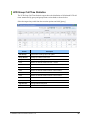
Period
This section of the window displays the time period that this report was created for.
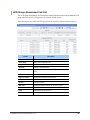
Creation Date
This section of the window displays the time and date that the current daily, weekly, or
monthly report was created.
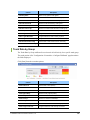
Item Title
This section displays the title of each table. Configuration of the tables to display is discussed
in the ‘Report Scheduling’ section of ‘Chapter 3. OfficeServ DataView Menus’.
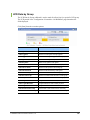
Summary Data
This section of the window displays the summary of each detailed data item.
© SAMSUNG Telecommunications America, L.P.
135