1
Log Records
[Log Records] allows selection a the type of event logs are to be saved in the diagnostic logs.
By default all types of events are logged. In high volume systems, this may create a bottleneck
in communications resulting in uneven performance of OfficeServ DataView. To eliminate this
risk disable any unnecessary logs.
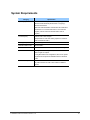
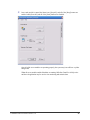
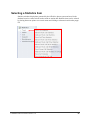
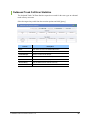
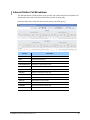
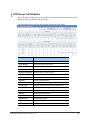
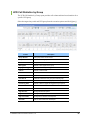
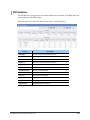
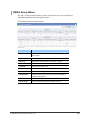
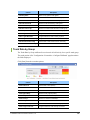
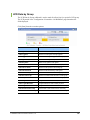
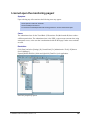
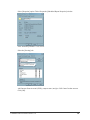
Selecting [Log Records] will display the following:
Select the event types to log and click [OK].
Item
Call Log
Description
This option causes call data (trunk number, DID number, etc.) in the
switch to be logged.
Agent Log
This option causes agent status activities (log in, log out, etc.) to be
logged.
Feature Log
This option will cause feature code usage (DND, OHVA, etc.) in the
switch to be logged.
© SAMSUNG Telecommunications America, L.P.
25