1
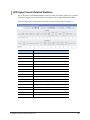
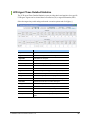
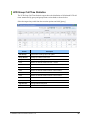
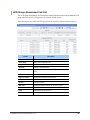
UCD Overall Agent Status
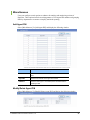
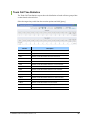
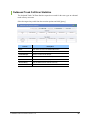
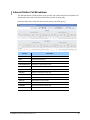
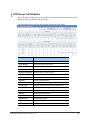
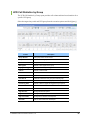
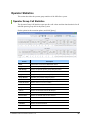
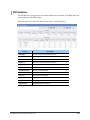
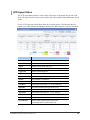
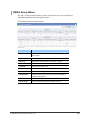
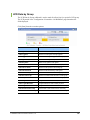
The UCD Overall Agent Status monitor is used to track call activity for all agents in all UCD
groups. The Agent Detail section is color coded to provide at-a-glance status information for
all agents.
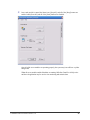
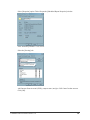
Click [Start] from the execution options.
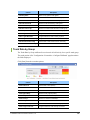
Column
Description
Total Groups
Total number of UCD groups in the phone system.
Agents
Number of unique agents among all UCD groups.
Logged In
Number of unique agents currently logged in to UCD groups.
Logged Out
Number of unique agents logged out.
Agents Busy
Number of unique agents busy.
Busy Ratio
Ratio of busy agents to agents logged in.
Group Number
Group number for this UCD group.
Group Name
Name associated with this station group (if assigned).
Port #
Station port number for this station.
Port Status
Current status of this station. (i.e. – Normal, Plug Out)
Agent PIN
PIN number that this agent logged in with (if any).
Agent Name
Name associated with this station or, if set, this PIN number.
Agent State
Current status of this agent. (i.e. – Log In, Wrap Up)
Call Status
Call status on this station. (i.e. – Idle, Connected)
Duration
Time this station has been in this status.
Phone Number
Outbound calls: Number dialed by internal user.
Inbound calls: Caller ID received for this call.
© SAMSUNG Telecommunications America, L.P.
128