1
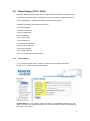
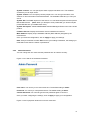
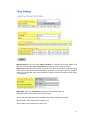
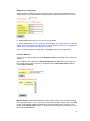
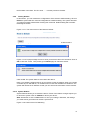
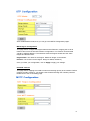
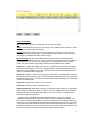
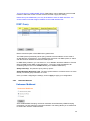
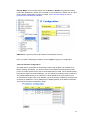
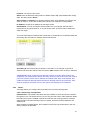
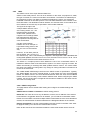
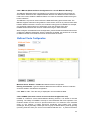
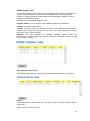
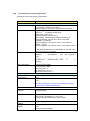
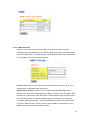
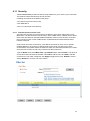
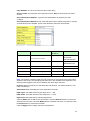
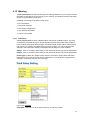
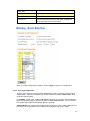
Management VLAN ID: The switch supports management VLAN. The management
VLAN ID is the VLAN ID of the CPU interface so that only member ports of the
management VLAN can access the switch. The default management VLAN ID is 1.
Note: The management VLAN is only applied to JetNet 5628G Series. Go to “Routing ->
IP -> IP Configuration” to configure management IP address for JetNet 5828G Series.
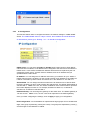
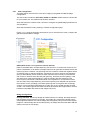
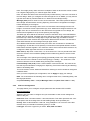
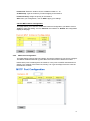
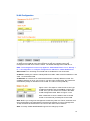
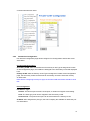
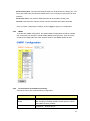
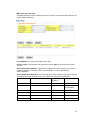
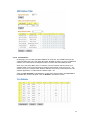
Static VLAN: You can assign a VLAN ID and VLAN Name for new VLAN here.
VLAN ID is used by the switch to identify different VLANs. Valid VLAN ID is between 1 and
4094. 1 is the default VLAN.
VLAN Name is a reference for network administrator to identify different VLANs. The
available character is 12 for you to input. If you don’t input VLAN name, the system will
automatically assign VLAN name for the VLAN. The rule is VLAN (VLAN ID).
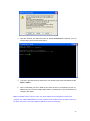
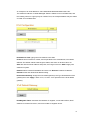
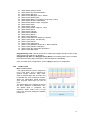
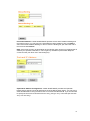
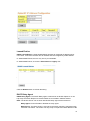
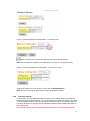
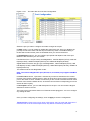
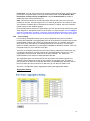
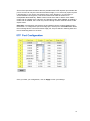
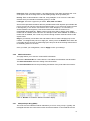
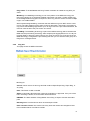
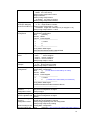
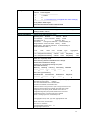
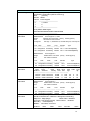
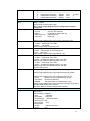
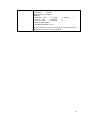
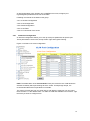
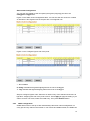
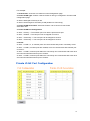
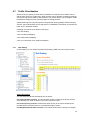
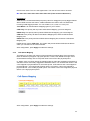
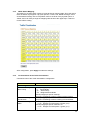
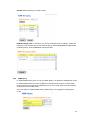
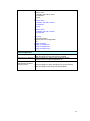
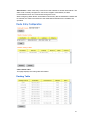
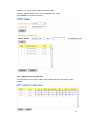
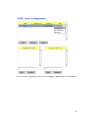
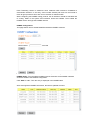
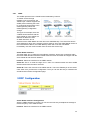
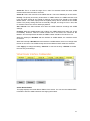
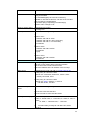
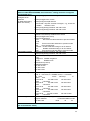
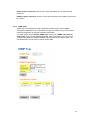
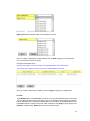
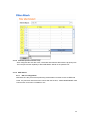
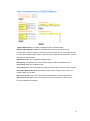
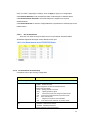
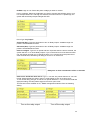
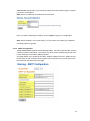
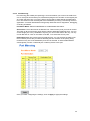
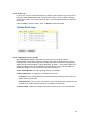
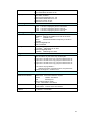
Figure 4.5.2.2 The steps to create a new VLAN: Type
VLAN ID and NAME, and press Add to create a new
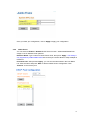
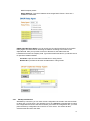
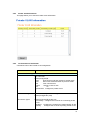
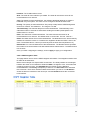
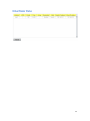
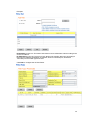
VLAN. Then you can see the new VLAN in the Static
VLAN Configuration table. Refer to Figure 4.5.2.3
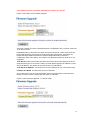
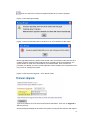
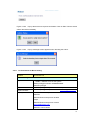
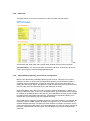
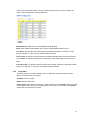
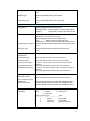
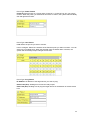
After created the VLAN, the status of the VLAN will
remain in Unused until you add ports to the VLAN.
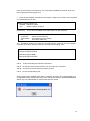
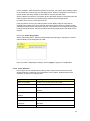
Note: Before you change the management VLAN ID by Web and Telnet, remember that
the port attached by the administrator should be the member port of the management
VLAN; otherwise the administrator can’t access the switch via the network.
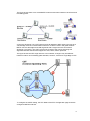
Note: Currently JetNet 5628G/5828G supports max 255 group VLAN.
88