1
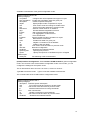
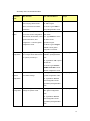
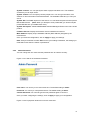
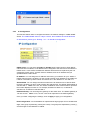
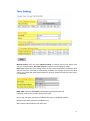
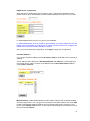
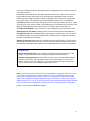
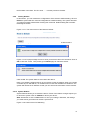
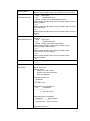
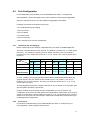
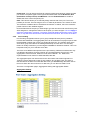
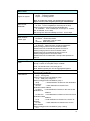
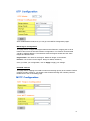
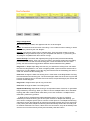
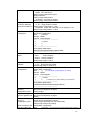
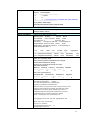
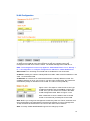
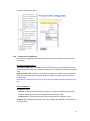
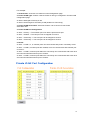
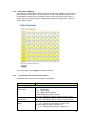
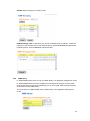
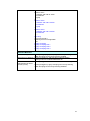
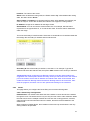
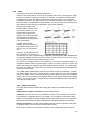
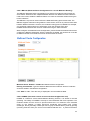
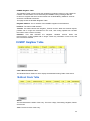
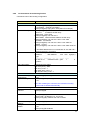
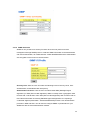
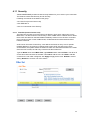
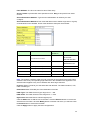
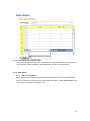
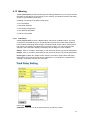
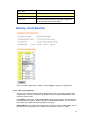
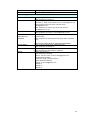
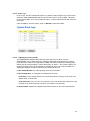
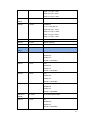
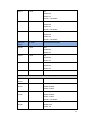
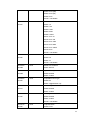
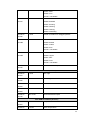
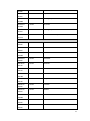
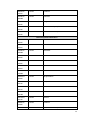
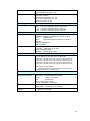
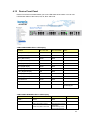
Packet type: You can assign the Rate for specific packet types based on packet number
per second. The packet types of the Ingress Rule listed here include Broadcast, DLF
(Destination Lookup Failure) and Multicast. Choose Enable/Disable to enable or
disable the storm control of specific port.
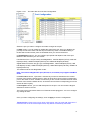
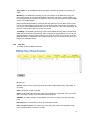
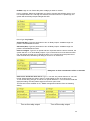
Rate: This column allows you to manually assign the limit rate of the port. The unit is
packets per second. The limit range is from 1 to 262143 packet/sec, zero means no limit.
The maximum available value of Fast Ethernet interface is 148810, this is the maximum
packet number of the 100M throughput.
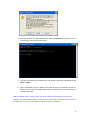
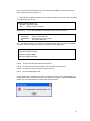
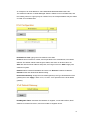
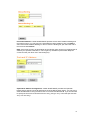
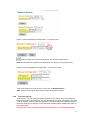
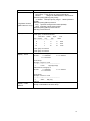
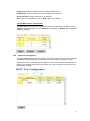
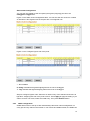
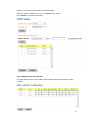
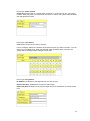
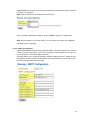
Enter the Rate field of the port you want assign, type the new value and click Enter key first.
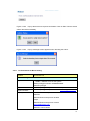
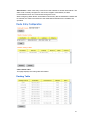
After assigned or changed the value for all the ports you want configure. Click on Apply to
apply the configuration of all ports. The Apply command applied all the ports’ storm control
value, it may take some time and the web interface become slow, this is normal condition.
4.3.6
Port Trunking
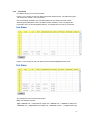
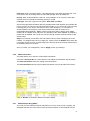
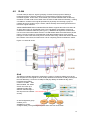
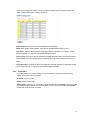
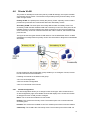
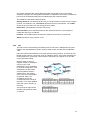
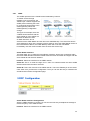
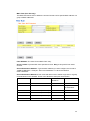
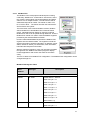
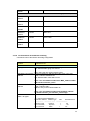
Port Trunking configuration allows you to group multiple Ethernet ports in parallel to
increase link bandwidth. The aggregated ports can be viewed as one physical port so that
the bandwidth is higher than merely one single Ethernet port. The member ports of the
same trunk group can balance the loading and backup for each other. Port Trunking
feature is usually used when you need higher bandwidth for backbone network. This is an
inexpensive way for you to transfer more data.
There are some different descriptions for the port trunking. Different manufacturers may
use different descriptions for their products, like Link Aggregation Group (LAG), Link
Aggregation Control Protocol, Ethernet Trunk, Ether Channel…etc. Most of the
implementations now conform to IEEE standard, 802.3ad.
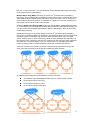
The aggregated ports can interconnect to the other switch which also supports Port
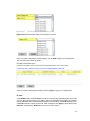
Trunking. Korenix Supports 2 types of port trunking. One is Static Trunk, the other is
802.3ad. When the other end uses 802.3ad LACP, you should assign 802.3ad LACP to
the trunk. When the other end uses non-802.3ad, you can then use Static Trunk.
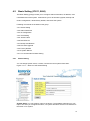
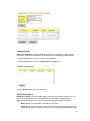
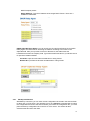
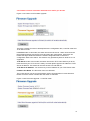
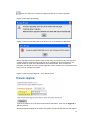
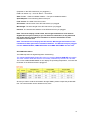
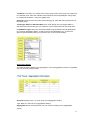
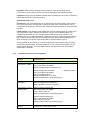
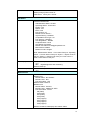
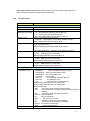
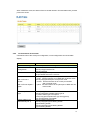
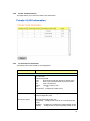
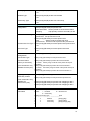
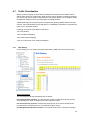
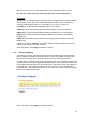
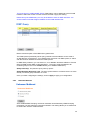
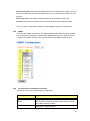
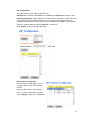
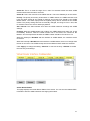
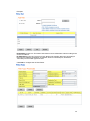
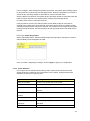
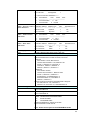
There are 2 configuration pages, Aggregation Setting and Aggregation Status.
Aggregation Setting
60