1
RainboW-G8D Quick Start Guide
List of Figures
Figure 1: RainboW-G8 Features ...................................................................................................... 5
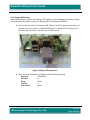
Figure 2: Debug UART connection ................................................................................................ 13
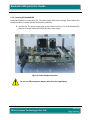
Figure 3: Power Supply Connection .............................................................................................. 14
Figure 4: Power ON Indication ...................................................................................................... 15
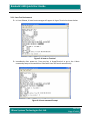
Figure 5: U-boot on Terminal ........................................................................................................ 17
Figure 6: U-boot command Prompt .............................................................................................. 17
Figure 7: LCD after Linux launch ................................................................................................... 18
Figure 8: Linux Command Prompt ................................................................................................ 18
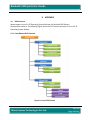
Figure 9: Linux DVD Content ......................................................................................................... 19
List of Tables
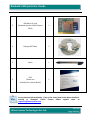
Table 1: Package Checklist .............................................................................................................. 9
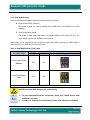
Table 2: Boot Mode Settings Truth Table ..................................................................................... 12
iWave Systems Technologies Pvt. Ltd.
Rev 0.1
Page 4 of 19