1
REportfolio User Manual
V4.0 R1.0
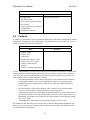
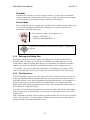
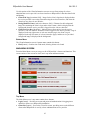
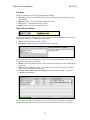
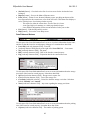
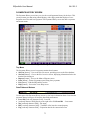
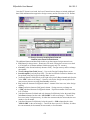
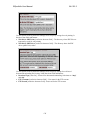
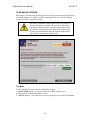
(Images\Annotated\Exported\char_fields_PREV.gif) (PHASE3)
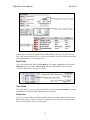
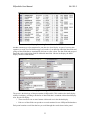
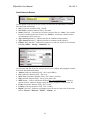
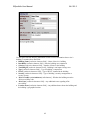
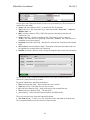
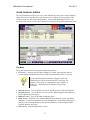
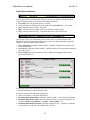
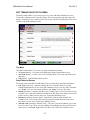
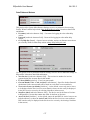
Example Character Fields
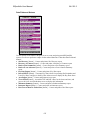
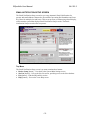
Another type of character field that is used in REportfolio is the button-enabled character
field. These display character text, are read-only, and behave just like a button when clicked,
causing REportfolio to go to another screen.
Date Fields
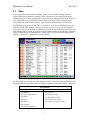
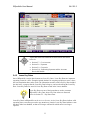
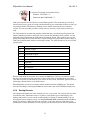
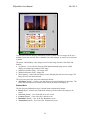
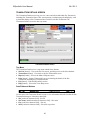
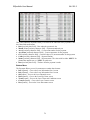
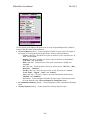
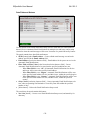
Date fields display dates in the format mm/dd/yy, for example, 10/31/04, or in the format
Mmm dd, yyyy, for example, Apr 30, 2005. The date fields in REportfolio are either
read/write date fields or read-only date fields.
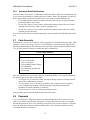
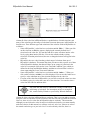
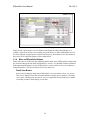
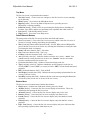
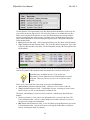
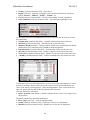
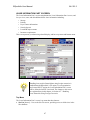
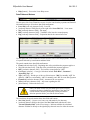
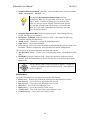
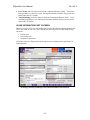
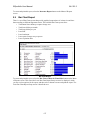
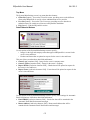
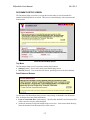
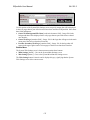
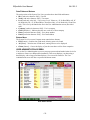
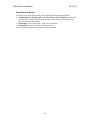
(Images\Annotated\Exported\date_time_fields_PREV.gif) (PHASE3)
Example Date and Time Fields
Time Fields
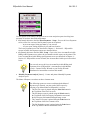
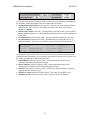
Time fields allow you to view, enter, and edit times, in the format nn:nn AM|PM, for example
11:35 AM. All of the time fields in REportfolio are read/write.
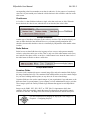
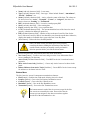
Value Lists
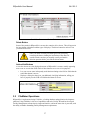
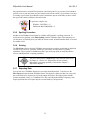
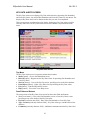
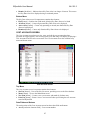
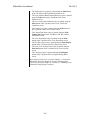
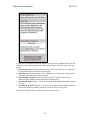
Value lists are data fields that contain a predetermined set of values. Instead of typing your
data into the field, you click on a value list, causing the set of values to be displayed, and
then you click again to select one of the values.
21