1
REportfolio User Manual
V4.0 R1.0
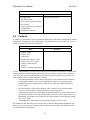
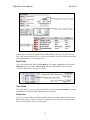
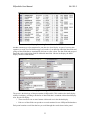
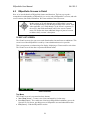
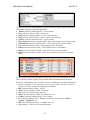
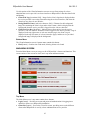
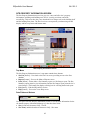
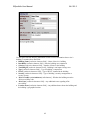
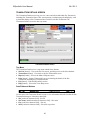
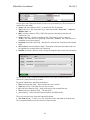
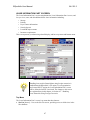
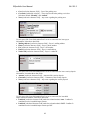
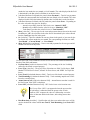
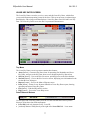
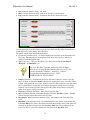
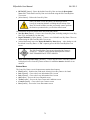
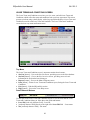
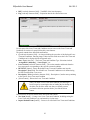
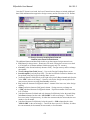
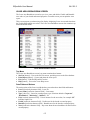
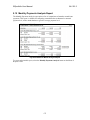
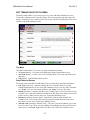
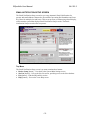
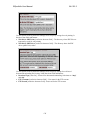
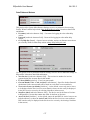
(Images\Snippets\Exported\sys_web_settings_3.gif)
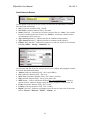
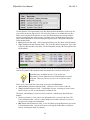
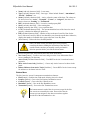
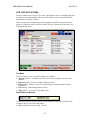
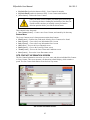
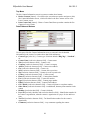
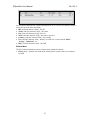
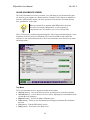
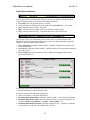
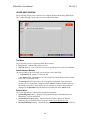
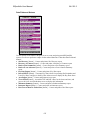
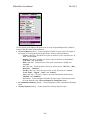
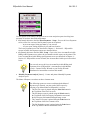
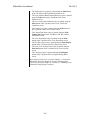
Use this portion of the System Web Settings screen to specify images that will be displayed
in the web pages that are part of the browser-based user interface to REportfolio. It has these
data fields and buttons:
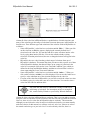
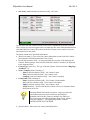
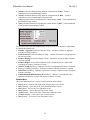
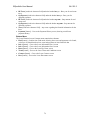
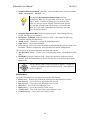
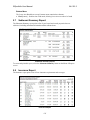
• Owner Web Background File Name [read/write character field] – Image file for the
background that will be displayed in the web pages that are part of the browser-based
user interface
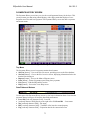
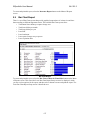
• Owner Web Logo [container field] – Image file for the logo that will appear in the main
menu part of the browser-based user interface
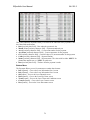
• Provider Secondary Web Logo [container field] – Image file for the logo that will
appear in the upper-right corner of client pages of the browser-based user interface
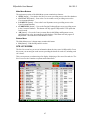
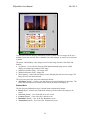
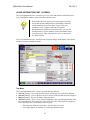
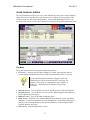
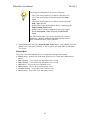
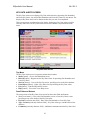
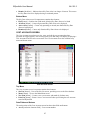
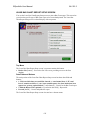
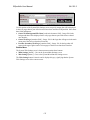
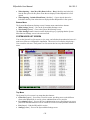
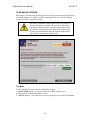
Bottom Menu
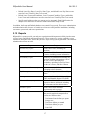
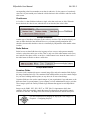
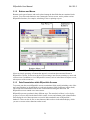
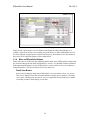
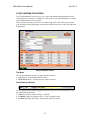
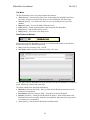
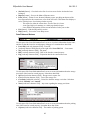
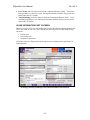
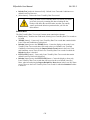
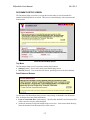
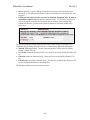
The System Web Settings screen’s bottom menu contains these buttons:
• Main Settings [button] – Goes to the System Main Settings screen
• Misc Settings [button] – Goes to the System Miscellaneous Settings screen
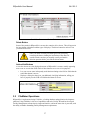
The Web Settings button is inactive and is displayed in grey, signifying that the System
Web Settings screen is the current screen.
135