1
Video preview and playback
The Media Browser will scan all video files in the MID and TF card,
and preview the playable ones. Click one to play the video files.
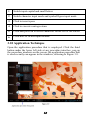
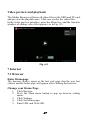
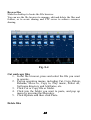
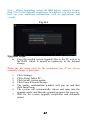
In the video preview interface, press the Menu key, and the function
window of editing video files appears, as in Fig. 6-5.
Fig. 6-5
7 Internet
7.1 Browser
Enter Homepage
The browser always opens to the last web page that the user has
visited, and the home page will appear after clicking the browser.
Change your Home Page
1.
2.
3.
4.
5.
Click Browser.
Press the Main menu button to pop up browser setting
menu.
Click Settings.
Click Set Home page.
Enter URL and Click OK.
27