1
Build-in version, etc.
10 Installation and Management of Program
10.1 Installation
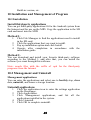
Install third-party applications
You can get third-party applications fit for the Android system from
the Internet and for use on the MID. Copy the application to the SD
card and insert into the MID.
Method 1:
1.
2.
3.
4.
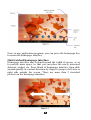
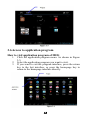
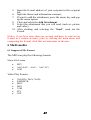
Click File Manager to find the applications need to install
in the SD card.
Click the applications that you want to install.
Pop up installation option and click Install.
Operate after completion in accordance with the
installation guide.
Method 2:
You can download and install your favorite third-party software
according to the Method 1, and after that, you can install the
software you want through this software.
Note: search files with the suffix of .apk for the third-party
programs from the Internet
10.2 Management and Uninstall
Management applications
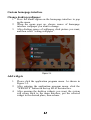
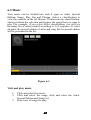
You can enter the applications and select one to forcibly stop, clear
data, uninstall, and remove storage location.
Uninstall applications
1.
2.
3.
4.
5.
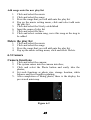
Click the application icon to enter the settings application
on the Homepage.
Click Applications.
Click Management applications, and list all the
applications installed in the system.
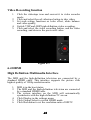
Click Uninstall.
Click OK to complete uninstall.
39