1
Contents
1. Product description.……………………………………….3
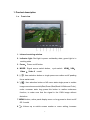
1.a. Front veiw.……………………………………………....3
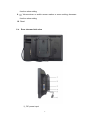
1.b. Rear view and side view.……………………………..4
2. Power input way.……………………………………...........5
3. Operation instruction………………………………………7
3.a. No menu display state………………………………..8
3.b. Press "
" button on the unit, then enter
into OSD menu operation………………………………...8
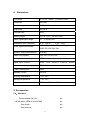
4. Technical parameters …………………………………….13
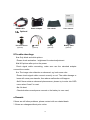
5. Accessories ……………………………………………......13
5.a. Standard……………………………………………......13
5.b. Optional……………………………………………..... .14
6. Trouble shootings……………………………………........14
7. Remark ……………………………....................................14
2