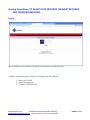
1
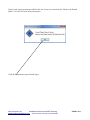
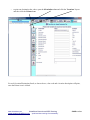
Once a User has logged in, an icon will automatically save to their desktop, and can
be used going forward for logging on.
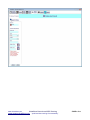
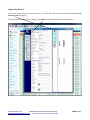
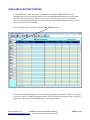
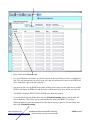
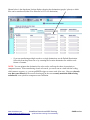
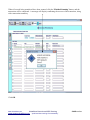
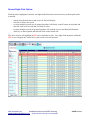
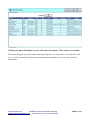
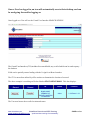
Once logged on a User will see the Casual User Interface SEARCH SCREEN
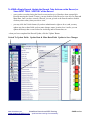
The Casual User Interface (CUI) includes five search fields, any or all of which can be used to query
the database.
Fields can be partially entered ending with the % sign for wildcard searches.
The CUI is most often utilized by office workers to determine the location of a record.
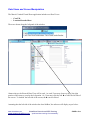
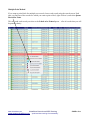
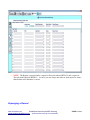
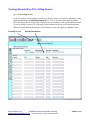
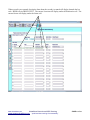
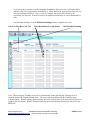
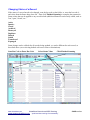
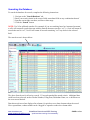
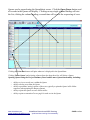
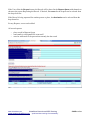
The above example is searching on Docket Number FD-13-002242-2000-B. This data displays:
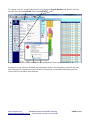
Request this
Record
Transfer this
Record
ID
Status
Location
FD-13-002242-2000B+WILLIAMS
VERNON VS
BRADLEY NAKESHA
Y+2000/06/23
Active
L-33-Room L-33
The User now knows the record's location and status.
www.virtualdoxx.com
VirtualDoxx Barcode and RFID Tracking
“optimized item tracking & accountability”
www.weaponstracking.com
PAGE 42 of 44