1
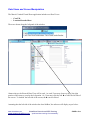
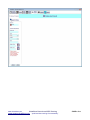
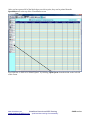
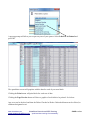
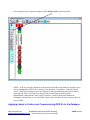
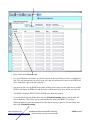
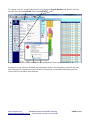
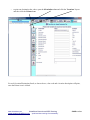
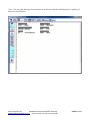
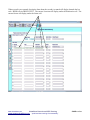
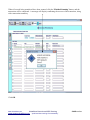
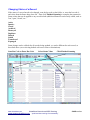
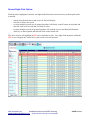
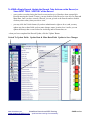
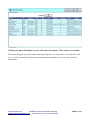
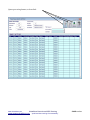
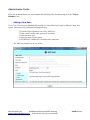
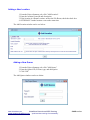
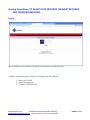
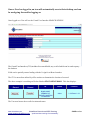
− to print out destination bar codes, open the left window view and click the 'Locations' layout
and then click the Printer icon
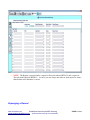
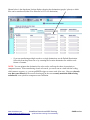
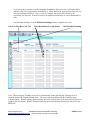
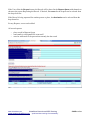
For each Location/Destination listed, as shown above, a bar code and a location description will print,
once the Printer icon is clicked.
www.virtualdoxx.com
VirtualDoxx Barcode and RFID Tracking
“optimized item tracking & accountability”
www.weaponstracking.com
PAGE 21 of 44