1
Page 21
Upgrading Flash 15
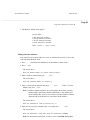
3. Call in to each Central Office (CO) line you assigned Flash ACD to answer
and verify that the call is answered and routed to an agent telephone.
Verify that Flash can handle simultaneous connections by directly dialing two
CO line telephone numbers. Dial one CO line from a Norstar telephone and
verify that the call is answered and routed properly. Then without hanging up,
go to another phone and call the other CO line.
Adding Flash Voice Mail
To add Flash Voice Mail to an existing Flash ACD system, you need to:
• obtain a Flash Voice Mail Upgrade kit
• determine the Flash serial number
• get the Flash Voice Mail software upgrade Key Code
• enable the Flash Voice Mail software
• test Flash Voice Mail
Determining your Flash serial number
Each Flash is identified by a unique internal serial number. You must have this
number before you call for the Flash software upgrade Key Code.
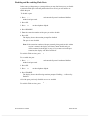
To view the serial number:
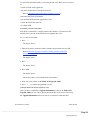
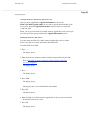
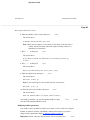
1. Press
.
ƒ·°‹
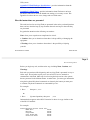
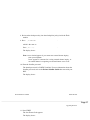
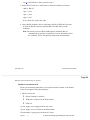
The display shows:
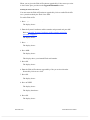
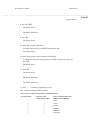
2. Enter the System Coordinator mailbox number and password and press OK.
Refer to the table "System Coordinator mailbox number and default
password" on page 17.
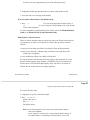
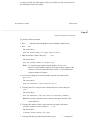
The display shows:
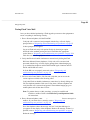
3. Press
››
.
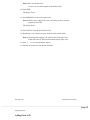
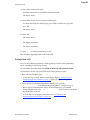
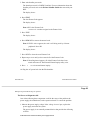
The display shows:
4. Press ADD.
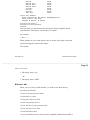
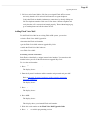
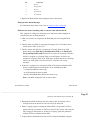
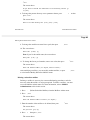
The display shows:
This display shows your internal Flash serial number.
5. Write this serial number on the Flash Voice Mail Upgrade Guide.
6. Press
®
to end this programming session.