1
2.2.
LOG Input Mode
This mode allows you to measure the DC voltage input (DCV: 20 mV, 60 mV, 200
mV, 2 V, 6 V, 20 V, and 50 V), convert to logarithmic scale, and display the data.
Selectable span range: Same range as the DC voltage input
¾ Span Lower must be less than Span Upper.
Selectable scale range: 1.0E-15 to 1.0E+15 (15 decades maximum)
¾ Scale Lower must be less than Scale Upper.
Select two or three digits for the mantissa.
You can set the unit.
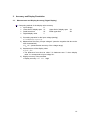
2.2.1. Setting the LOG Input
1.
2.
3.
4.
5.
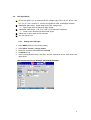
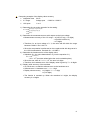
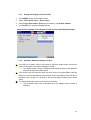
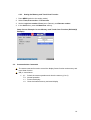
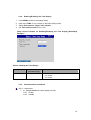
Press MENU (switch to the setting mode).
Select Meas channel > Range, Alarm.
Select the channels in First-CH and Last-CH.
Set Mode to Log.
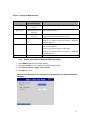
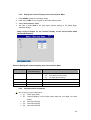
Set the measurement range, the span, and the exponents of the scale lower and
upper limits.
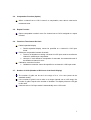
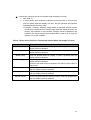
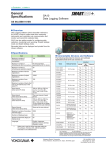
LOG Input Setup Screen Example (DX1000(N) Example)
4