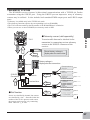
1
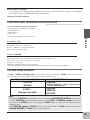
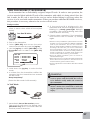
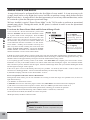
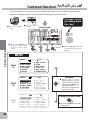
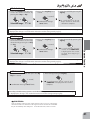
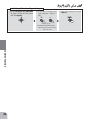
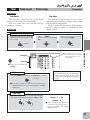
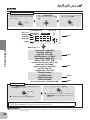
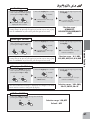
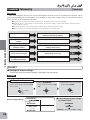
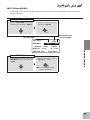
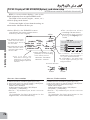
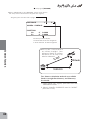
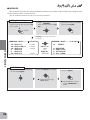
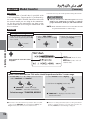
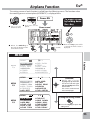
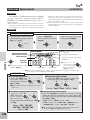
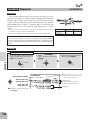
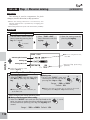
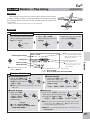
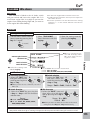
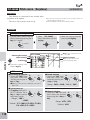
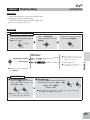
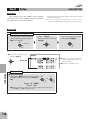
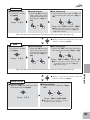
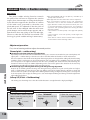
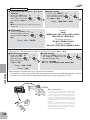
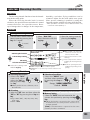
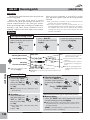
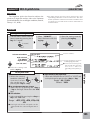
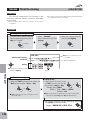
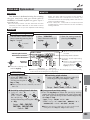
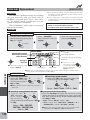
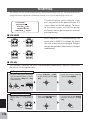
Activating the function
Selection of condition
High side Setup of rate
Low side Setup of rate
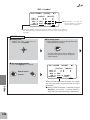
5(920,;
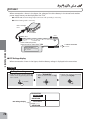
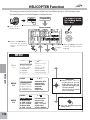
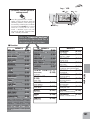
● When not using this function,
select INH.
(present switch position )
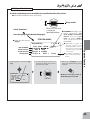
● Select the setting item
with the Jog key.
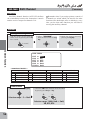
(Rate)
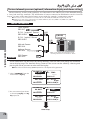
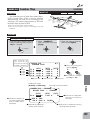
Pitch → Ruddermixing
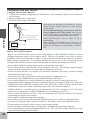
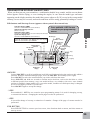
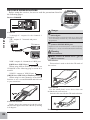
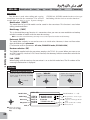
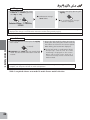
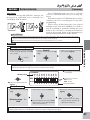
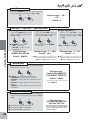
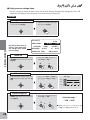
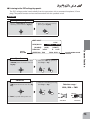
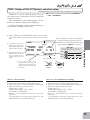
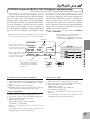
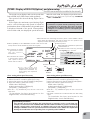
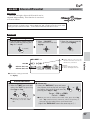
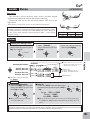
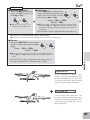
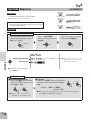
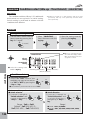
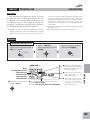
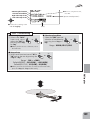
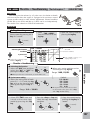
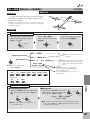
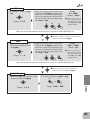
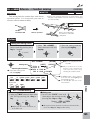
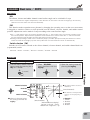
■ Activating the function
① Select the "MIX" +
item and then
select the "ON" by
pressing the + key
or ‒ key.
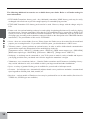
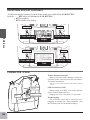
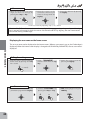
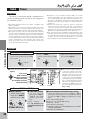
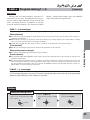
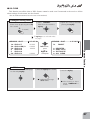
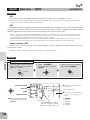
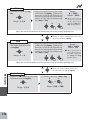
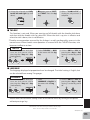
■ Selection of condition
② Select the "CND" item and
selection of condition by
pressing the + key or ‒
key.
−
or
−
or
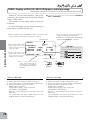
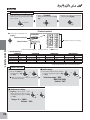
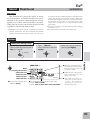
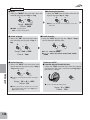
Range:NORM, IDL1/2, IDL3
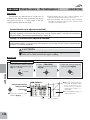
● When you do not use a function, set to
the "INH" side.
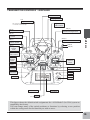
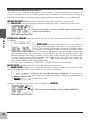
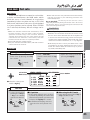
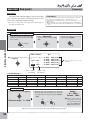
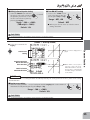
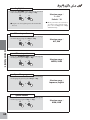
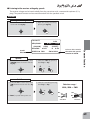
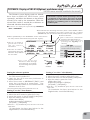
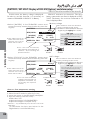
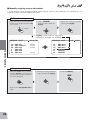
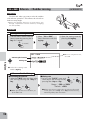
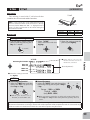
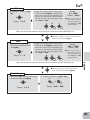
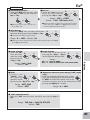
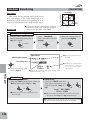
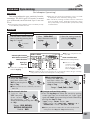
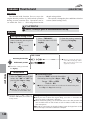
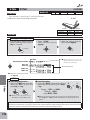
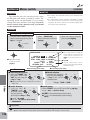
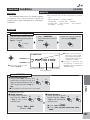
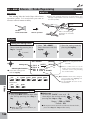
■ Setup of rate
③ Select each function item of "HI"or
"LO" and set the rate by pressing the
+ key or ‒ key.
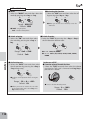
+
+
−
or
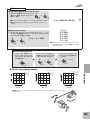
Range:-100 ∼ +100%
Default(NORM):-20%(LOW)、+20%(HIGH)
Default(IDL1/2/3):0%(LOW)、0%(HIGH)
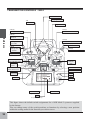
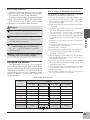
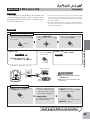
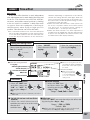
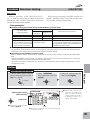
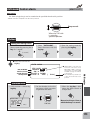
● When you want to return the set value to the initial value,
press the + key and ‒ key simultaneously.
Helicopter
139