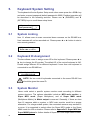
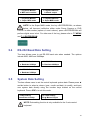
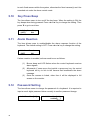
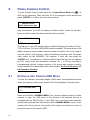
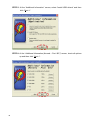
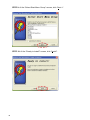
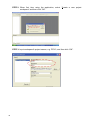
STEP 5: At the “Additional Information” screen, select “Install USB drivers” and then
click “Next >”.
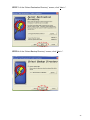
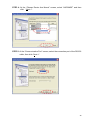
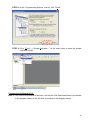
STEP 6: At the “Additional Information (Kernels – Prot. B/C)” screen, check all options
up and then click “Next >”.
40