1
Chapter 17: Time limit policy
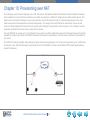
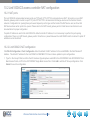
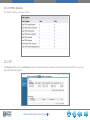
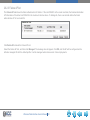
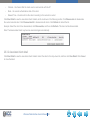
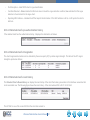
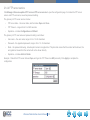
The Time Limit Policy configures the user on-line time, including Network Time Limit Configuration and Radio Time Limit
Configuration.
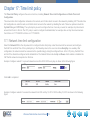
The network time limit configuration is based on the network, and it limits clients’ access to the network by disabling VAP. The radio time
limit configuration is under the radio, and it limits clients’ access to the network by disabling the radio. These two policies include the
Cyclical Policy and UTC Policy. The cyclical policy is used to configure the time of one day or week; for example, stop the network
access from hh:mm to hh:mm. The UTC policy is used to configure the detailed date; for example, allow or stop the network access
from hh:mm on YYYY-MM-DD to hh:mm on YYYY-MM-DD.
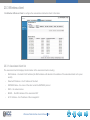
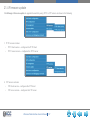
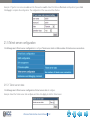
17.1 Network time limit configuration
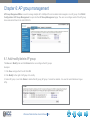
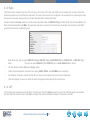
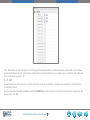
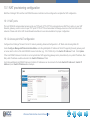
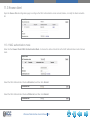
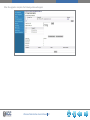
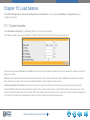
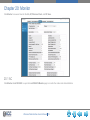
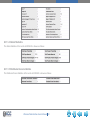
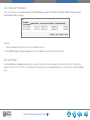
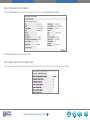
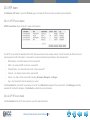
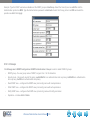
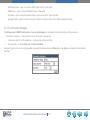
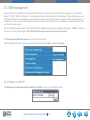
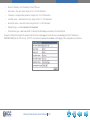
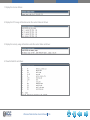
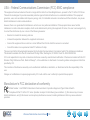
Select the Network ID from the drop-down list to configure the time limit policy under the network to be accessed, and configure
the Start Time and End Time of the cyclical policy. In the Weekday column, the user can choose EveryDay or a weekday. After
configuration, the network cannot be accessed on the specified day(s) during the configured times. In the UTC policy, the Start Time
and End Time should be configured as the detailed time. The Network Status includes Up and Down, which enables or disables the
VAP that the network corresponds to in this time.
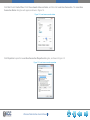
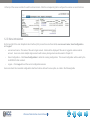
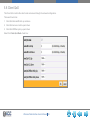
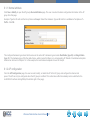
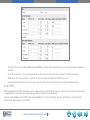
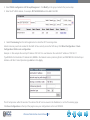
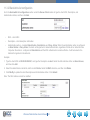
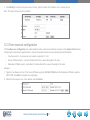
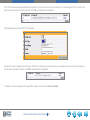
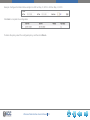
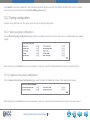
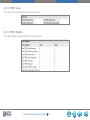
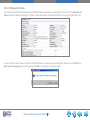
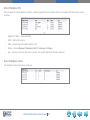
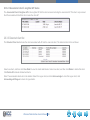
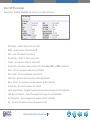
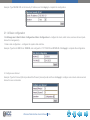
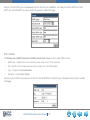
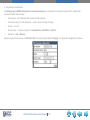
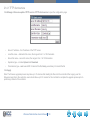
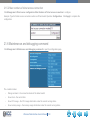
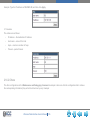
Example: Configure network 1 to prevent network access from 8:00–18:00 every day, as shown in the following figure:
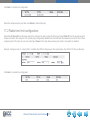
Click Add to complete it.
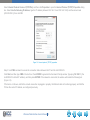
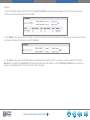
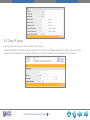
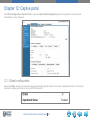
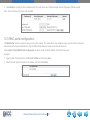
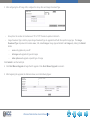
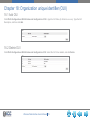
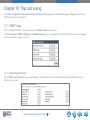
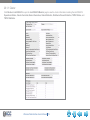
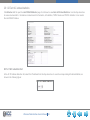
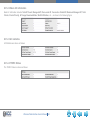
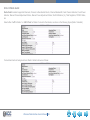
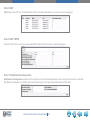
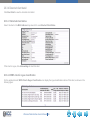
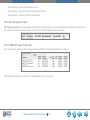
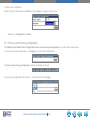
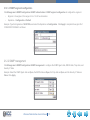
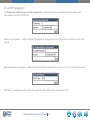
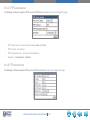
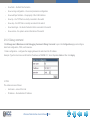
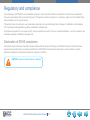
Example: Configure network 2 to access the network from 9:00 on May 13, 2013–18:00 on May 18, 2013 as shown in the following
figure:
Wireless Web Interface User’s Manual 72