1
Chapter 19: Trap and syslog
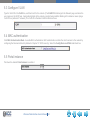
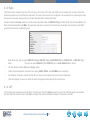
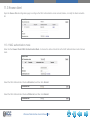
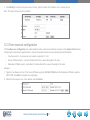
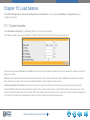
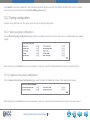
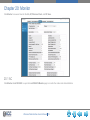
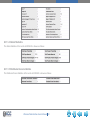
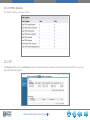
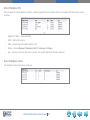
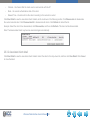
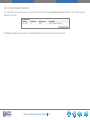
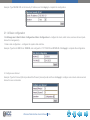
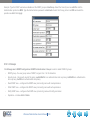
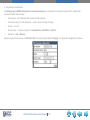
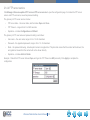
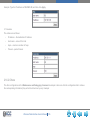
Click WLAN Configuration->Advanced Configuration->Trap and Syslog to open the Trap and Syslog Configuration page for the
SNMP trap and syslog configuration.
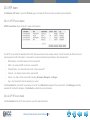
19.1 SNMP traps
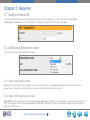
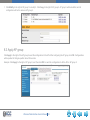
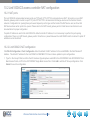
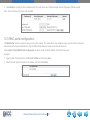
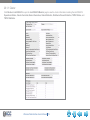
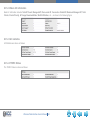
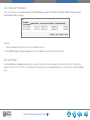
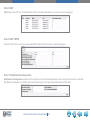
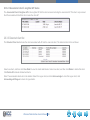
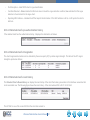
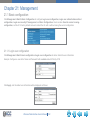
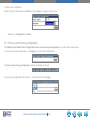
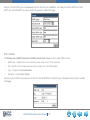
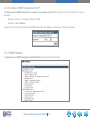
Prior to enabling SNMP trap, configure the items in the SNMP management dialog box .
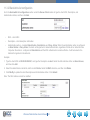
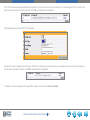
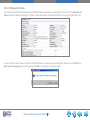
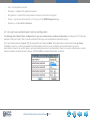
On the Management->SNMP Configuration->SNMP Management page, select Open for the SNMP Agent state, and then click Apply
to enable the SNMP management on/off.
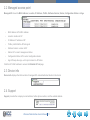
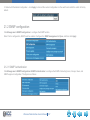
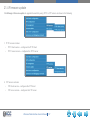
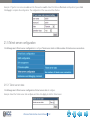
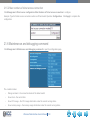
19.1.1 Wireless global traps
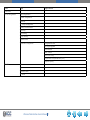
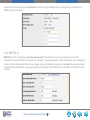
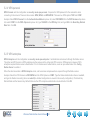
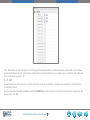
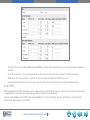
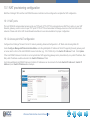
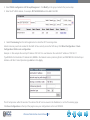
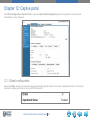
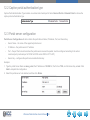
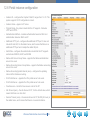
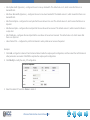
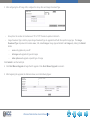
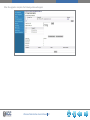
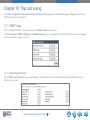
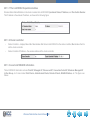
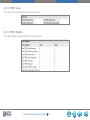
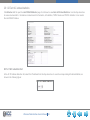
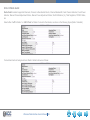
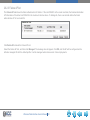
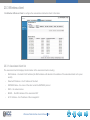
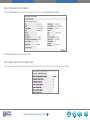
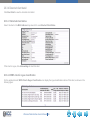
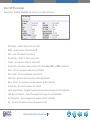
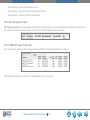
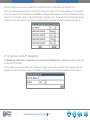
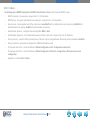
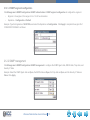
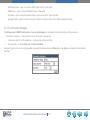
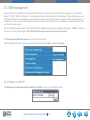
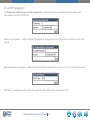
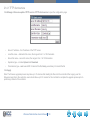
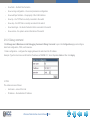
On the SNMP Trap Configuration page, select Enable for Wireless Global Traps. After enabling the wireless global traps, enable or
disable each trap option.
Wireless Web Interface User’s Manual 76