1
Chapter 15: Load balance
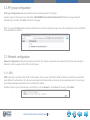
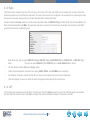
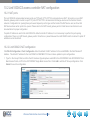
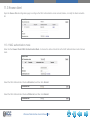
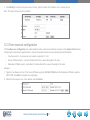
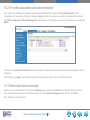
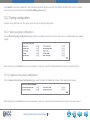
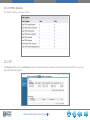
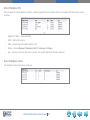
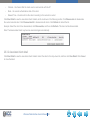
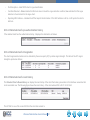
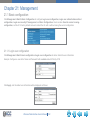
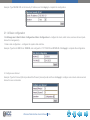
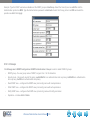
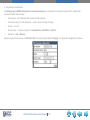
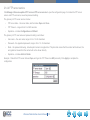
Click WLAN Configuration->Advanced Configuration->Load Balance to open up the Load Balance Configuration page to
configure parameters.
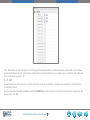
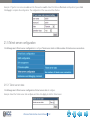
15.1 Create template
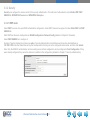
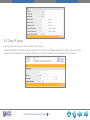
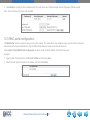
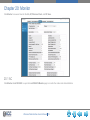
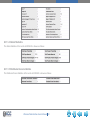
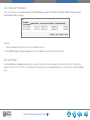
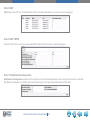
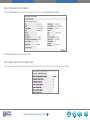
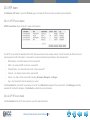
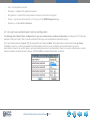
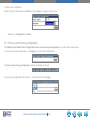
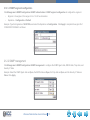
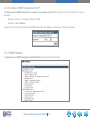
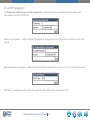
The Load Balance Template 1 is disabled by default, and it cannot be deleted.
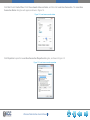
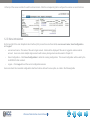
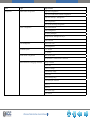
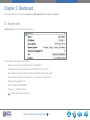
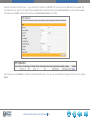
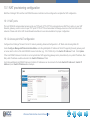
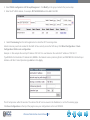
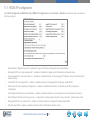
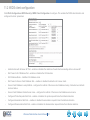
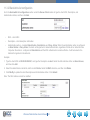
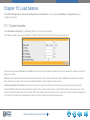
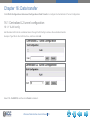
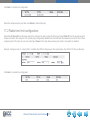
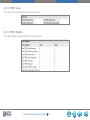
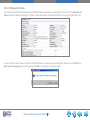
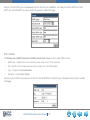
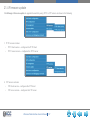
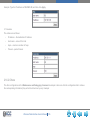
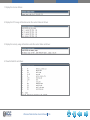
Click New to configure the new Load Balance Template. The new ID cannot be the same as the existing ID:
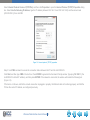
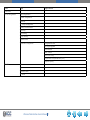
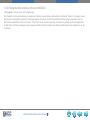
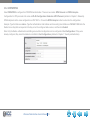
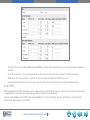
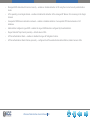
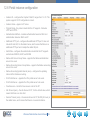
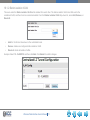
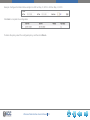
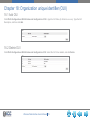
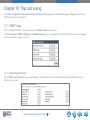
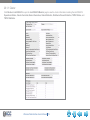
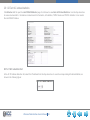
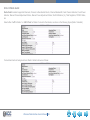
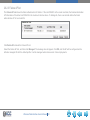
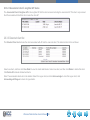
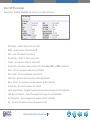
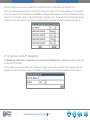
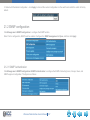
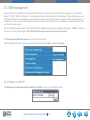
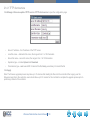
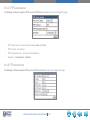
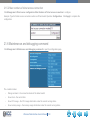
The load balance includes Session and Traffic. These two modes correspond respectively to the two parameters threads, as shown in
the previous figure.
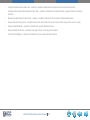
Session mode displays the allowed client association, based on the number of associated users. Traffic mode displays the allowed
client association, based on the maximum bandwidth utilization of the configured radio interface.
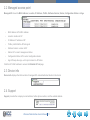
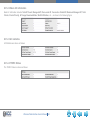
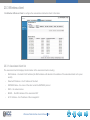
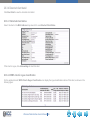
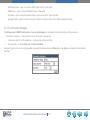
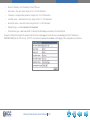
Load-balance Denial Threshold is the amount of times that the AP can refuse the client before receiving its association request.
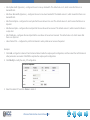
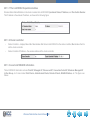
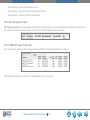
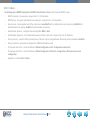
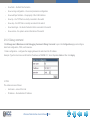
The Link1000ACS will decide client association based on the number of clients in the current WLAN system. At the same time, it will
monitor the radio interface load on the local AP. When the load exceeds the maximum value, it will send a trap to network management.
It can also force clients to be released when it discovers these clients exceed the maximum value.
Wireless Web Interface User’s Manual 68