1
20
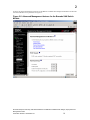
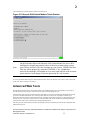
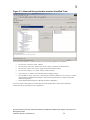
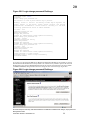
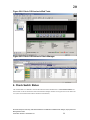
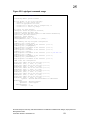
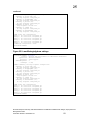
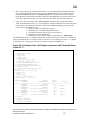
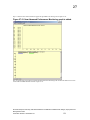
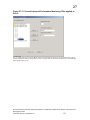
Figure 20-2. IP Address configuration using the IBM eServer BladeCenter
Management Module. Step 2. Change the “new static IP address configuration”,
then Click the “save” bottom on the bottom right.
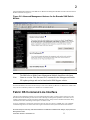
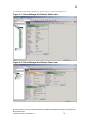
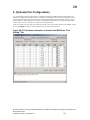
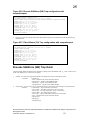
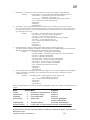
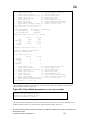
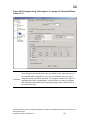
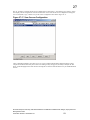
Figure 20-3. IP Address configuration using the IBM eServer BladeCenter
Management Module. Step 3. Wait for the Management module to update the
new information.
Brocade Enterprise and Entry SAN Switch Modules for IBM eServer BladeCenter Design, Deployment and
Management Guide
Publication Number: 53-0000561-01
92