1
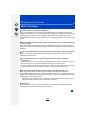
2. Preparations before Recording
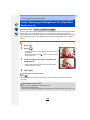
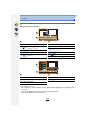
Setting Date/Time (Clock Set)
• The clock is not set when the camera is shipped.
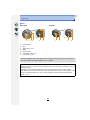
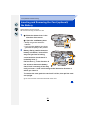
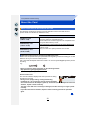
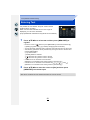
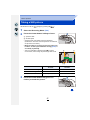
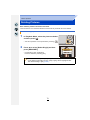
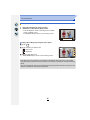
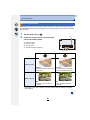
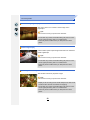
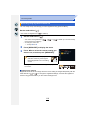
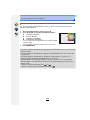
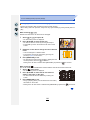
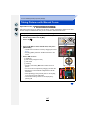
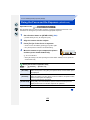
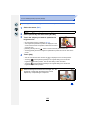
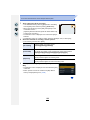
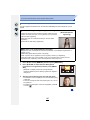
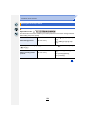
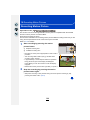
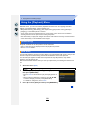
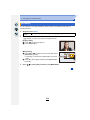
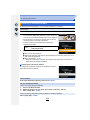
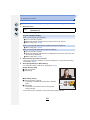
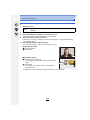
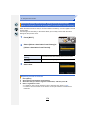
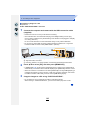
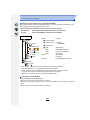
1
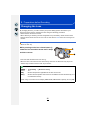
Turn the camera on.
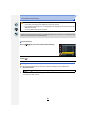
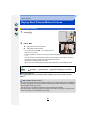
• When the camera is turned on, the status indicator 1
lights up green.
• If the language select screen is not displayed, proceed to
step 4.
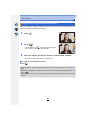
2
3
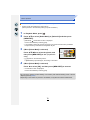
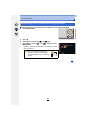
Press [MENU/SET].
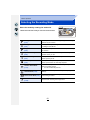
4
Press [MENU/SET].
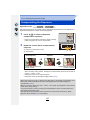
5
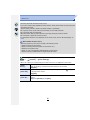
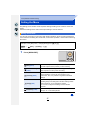
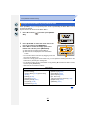
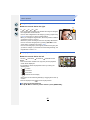
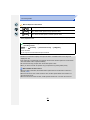
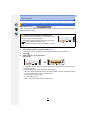
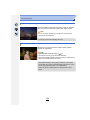
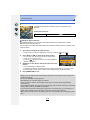
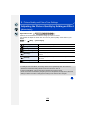
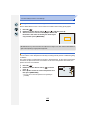
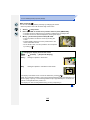
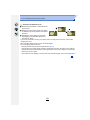
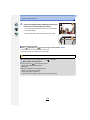
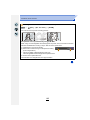
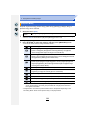
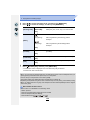
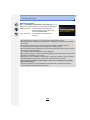
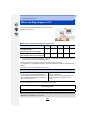
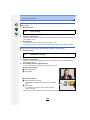
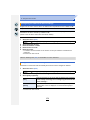
Press 2/1 to select the items (year, month,
day, hour, minute), and press 3/4 to set.
Press 3/4 to select the language, and press
[MENU/SET].
:
:
A: Time at the home area
B: Time at the travel destination
• You can cancel without setting the clock by pressing
[
].
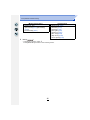
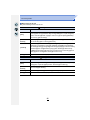
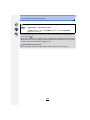
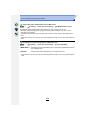
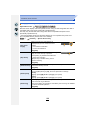
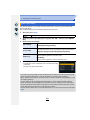
To set the display order and the time display
format.
• To display the setting screen of the order/time, select
[Style] and then press [MENU/SET].
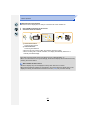
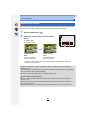
6
7
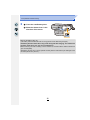
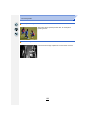
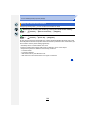
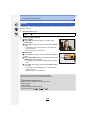
Press [MENU/SET] to set.
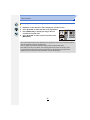
Press [MENU/SET] in the confirmation
screen.
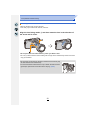
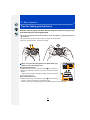
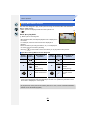
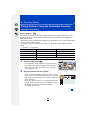
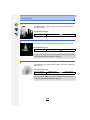
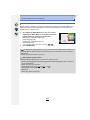
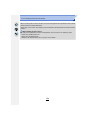
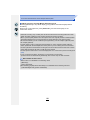
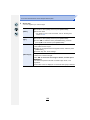
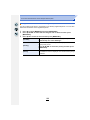
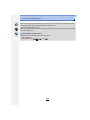
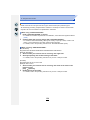
• When an interchangeable lens (H-FS12032) is used and the lens barrel is retracted,
recording is not possible (a message will be displayed). Rotate the zoom ring to extend
the lens. (P55)
35