1
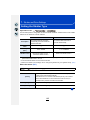
6. Focus and Brightness (Exposure) Settings
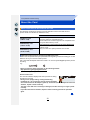
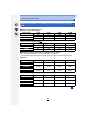
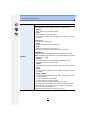
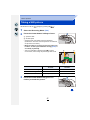
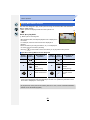
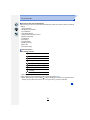
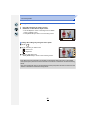
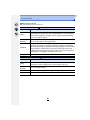
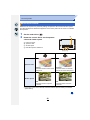
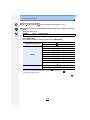
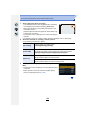
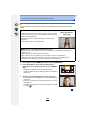
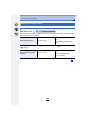
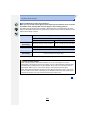
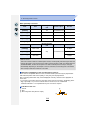
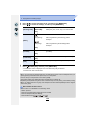
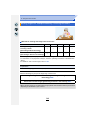
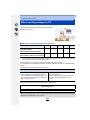
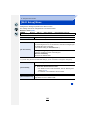
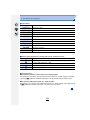
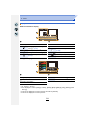
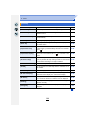
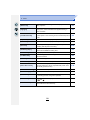
Characteristics of the ISO sensitivity
200
Recording location
(recommended)
When it is light (outdoors)
25600
When it is dark
Shutter speed
Slow
Fast
Noise
Less
Increased
Increased
Less
Jitter of the subject
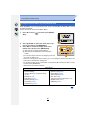
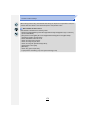
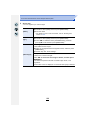
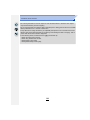
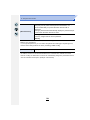
• For the focus range of flash when [AUTO] is set, refer to P201.
• In Shutter-Priority AE Mode, [
] cannot be used; in Manual Exposure Mode, [AUTO] and
[
] cannot be used.
• When [Multi Exp.] is set, the maximum setting is [ISO3200].
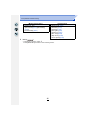
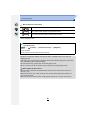
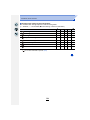
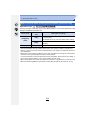
• Setting items below will be selectable in Creative Video Mode.
[AUTO]/[200] to [3200]
• Those menu items are shared by the [Rec] menu and the [Motion Picture] menu. When the
setting for either of the two is changed, the setting for the other is also changed.
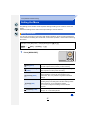
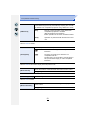
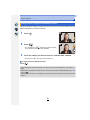
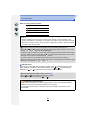
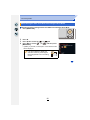
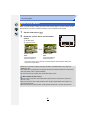
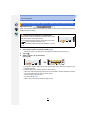
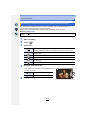
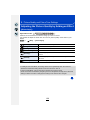
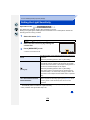
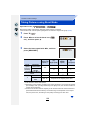
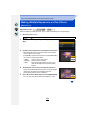
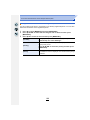
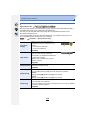
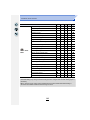
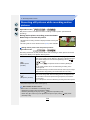
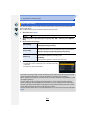
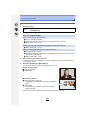
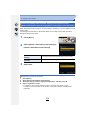
Setting the upper limit on ISO sensitivity
Applicable modes:
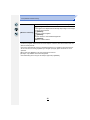
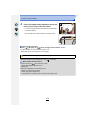
It will select optimal ISO sensitivity with set value as limit depending on the brightness of
the subject.
].
• It will work when the [Sensitivity] is set to [AUTO] or [
[MENU] >
[Rec] > [ISO Limit Set]
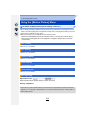
Settings: [400]/[800]/[1600]/[3200]/[6400]/[12800]/[25600]/[OFF]
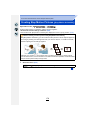
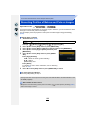
Not available in these cases:
• [ISO Limit Set] is disabled in the following cases:
– [Clear Nightscape]/[Cool Night Sky]/[Warm Glowing Nightscape]/[Handheld Night Shot]
(Scene Guide Mode)
– When recording motion pictures
159