1
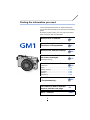
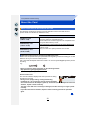
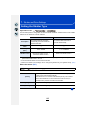
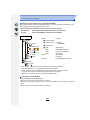
Finding the information you need
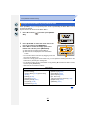
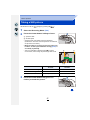
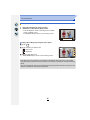
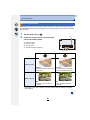
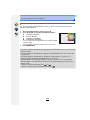
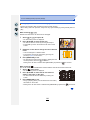
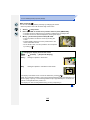
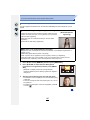
In this “Operating Instructions for advanced features”,
you can find the information you need from the following
pages.
By clicking a page number, you can jump to the linked
page and quickly find the information.
Search from “Contents”
P4 ~
Search from “Names and
Functions of Components”
P12 ~
Search from “Monitor Display”
P306 ~
Search from the list of
on-screen messages
P312 ~
“Message Display”
Search from the menu list
“Menu list”
P316 ~
[Rec] ..............................................................P316
[Motion Picture]..............................................P319
[Custom] ........................................................P320
[Setup] ...........................................................P322
[Playback] ......................................................P324
Search from
“Troubleshooting”
P325 ~
For details on how to use this
manual, see the next page.
P3
Wi-FiR function
P241 ~
2