1
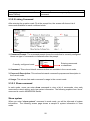
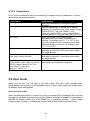
Max: This shows the maximum number available for MVR VLAN configuration.
VLAN ID: Specify a VLAN ID for multicast VLAN.
Port Members: Indicate whether each port is a receive port, source port, or not used.
4.4.13.2 MVR Group
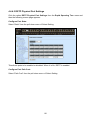
Select the option MVR Group from the MVR Configuration menu and then the following
screen page appears.
VLAN: View-only field that shows the current MVR VLAN ID.
Group Range: View-only field that shows the MVR Group Range.
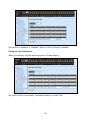
Click New to register a new MVR Group and then the following screen page appears.
Click Edit to edit and view the MVR Group settings.
Click Delete to remove a current MVR Group.
122