1
10. Simulation
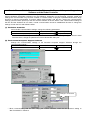
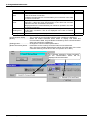
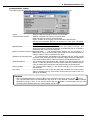
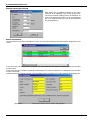
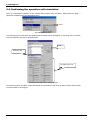
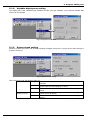
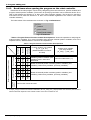
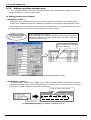
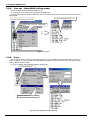
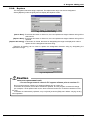
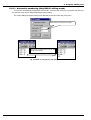
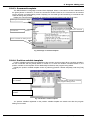
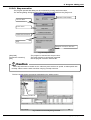
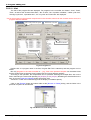
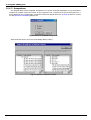
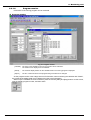
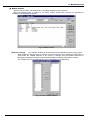
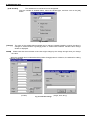
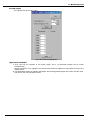
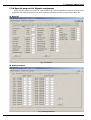
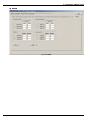
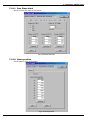
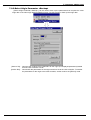
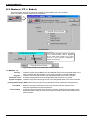
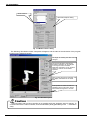
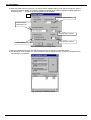
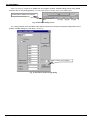
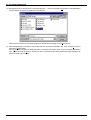
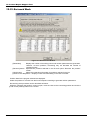
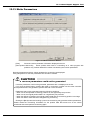
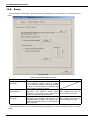
3) When the [Add] button is clicked on, the target position addition dialog shown below will appear. Set the
target point with this dialog. The position variables registered in the position variable template (displayed
with [Tool] menu → [Position variable template]) can be selected.
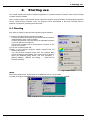
3)
Movement target position
Select operation
interpolation type
Designate speed override
Wait time after operation
Set workpiece grasping
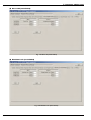
Fig. 10-14 Transit point setting dialog
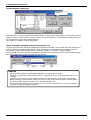
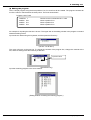
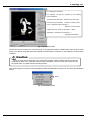
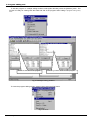
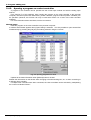
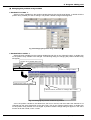
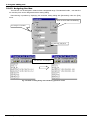
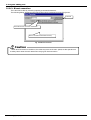
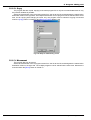
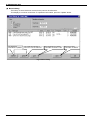
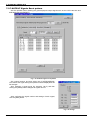
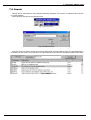
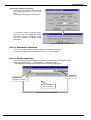
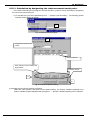
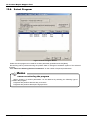
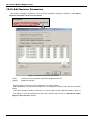
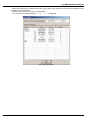
4) Select the added transit point from the list, and then click on the [Cycle calculate] button.
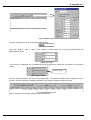
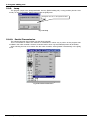
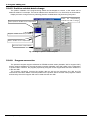
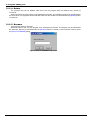
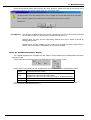
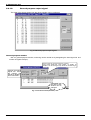
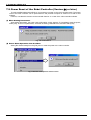
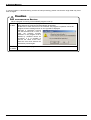
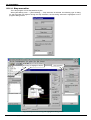
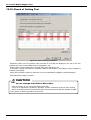
5) The simulation view will open, the robot operation state will appear, and the cycle time will appear when
the operation is completed.
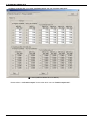
Fig. 10-15 Cycle calculation results
10-156
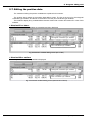
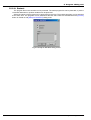
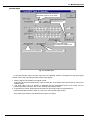
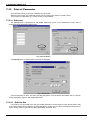
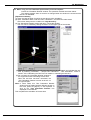
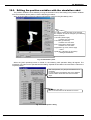
Editing the position variables with the simulation robot