1
12. Positon Repair Support Tool
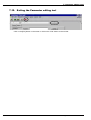
12.14. Re-start the Power Supply of the Controller
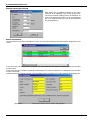
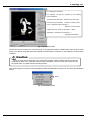
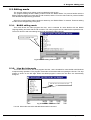
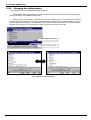
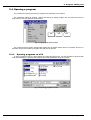
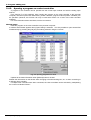
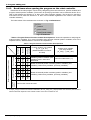
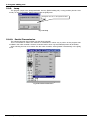
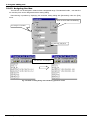
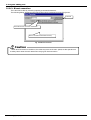
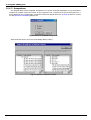
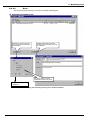
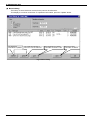
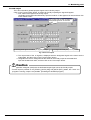
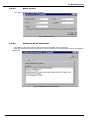
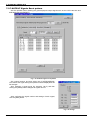
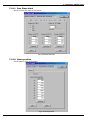
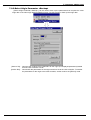
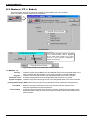
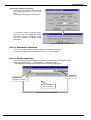
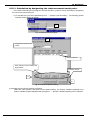
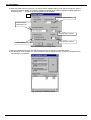
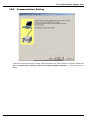
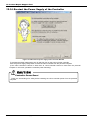
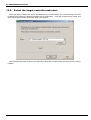
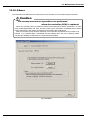
Figure 12-15 Re-start the power supply of the controller Window
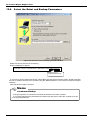
To activate the written parameters, turn off and then turn on the power of robot controller.
Click the [Power supply reset] button to reset the robot controller from the personal computer.
(If the robot controller’s version is older than J2, robot controller cannot be reset from the personal
computer. In this case, operate the controller power manually.)
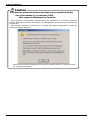
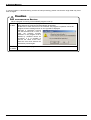
CAUTION
Controller Power Reset
Check the surroundings for safety before resetting the robot controller power from the personal
computer.
12-180 Re-start the Power Supply of the Controller