1
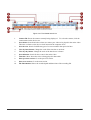
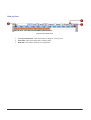
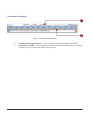
View by Hour
View by Day
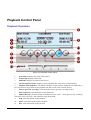
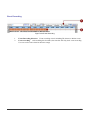
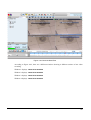
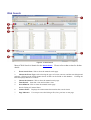
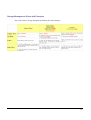
Continuous Recording
Schedule Recording
Event Recording
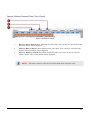
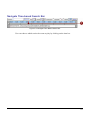
Navigate Time-based Search Bar
Scroll Previous Button
Scroll Next Button
129
130
131
132
133
134
135
136
Channel Layout Manager......................................................................................... 137
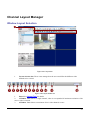
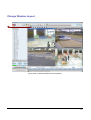
Window Layout Selection
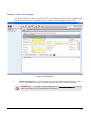
Change Window Layout
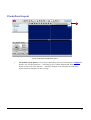
Single Channel Video Clip Playback of Different Time Frame
137
138
139
Synchronous Playback ............................................................................................ 141
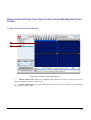
Drag 4 channels first, then Synchronize them with Baseline Time Frame
1. Select Channel on Active Window
2. Search recording
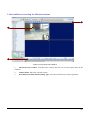
3. Select different recording for different windows
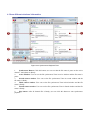
4. Show different windows’ information
5. Synchronize different windows
Playback 4 Different Archives, then Synchronize them to the same time frame
1. Select an active window
2. Show different windows’ information
3. Synchronize different windows
Playback Archive First, then Search for other Channels at the same time frame
1. Select an active window
2. Show different windows’ information
3. Synchronize different windows
5.
ACTIVE MAP
142
142
143
144
145
146
147
147
148
149
150
150
151
152
153
Introduction .............................................................................................................. 153
Overview
Active Map Viewer
154
155
Active Map Operation .............................................................................................. 156
Archive Player Toolbar
Full Screen Mode (CTRL+F12)
Map Tour
Preview All Mode
156
157
159
160
Quick Preview Mode ................................................................................................ 161
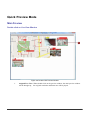
Mini-Preview
Double-click on Live View Window
Mini-Preview Window with PTZ Feature
6.
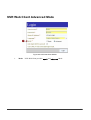
NVR WEB CLIENT
161
161
162
163
Introduction .............................................................................................................. 163
Web Server Installation............................................................................................ 164
Pre-requisite for Windows 2000: GdiPlus.dll............................................................ 165
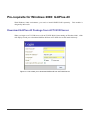
Download GdiPlus.dll Package from ACTi NVR Server
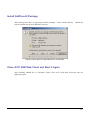
Install GdiPlus.dll Package
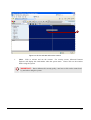
Close ACTi NVR Web Client and Start it Again
165
166
166
Microsoft Internet Explorer Security Notice.............................................................. 167
v