1
R2 PLUS
22.5 Output JOB Data
Measured data, occupied data, known point data, note and coordinates data existed in all
JOBs could be outputted to PC via serial port.
NOTE:
◆ The software STONEX exchange is available in your CD-ROM or download from
www.stonexpositioning.com
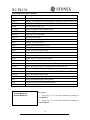
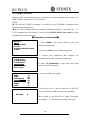
◆ Be sure the communication port setting of instrument and PC is the same, see “§
3.8.3 Communication Port Setting”, you can select MEM/1.JOB/5.Com setting to set the
communication parameters also.
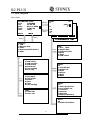
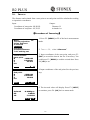
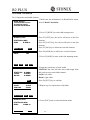
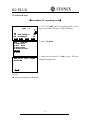
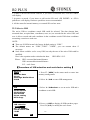
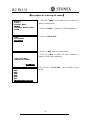
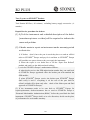
【Procedure of download】
】
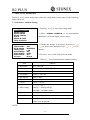
Memory
1.JOB
2.Known data
3.Code
4.Storage Media Select
5.USB
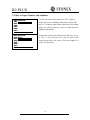
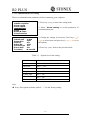
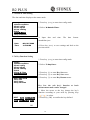
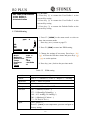
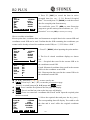
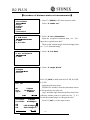
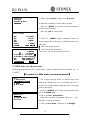
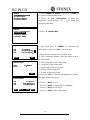
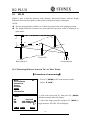
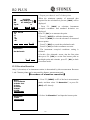
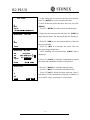
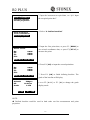
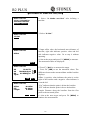
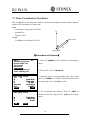
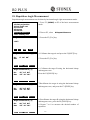
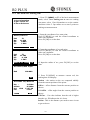
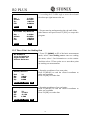
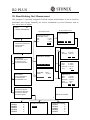
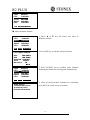
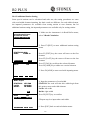
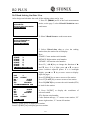
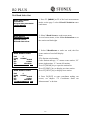
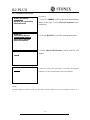
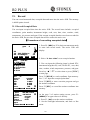
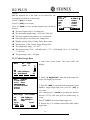
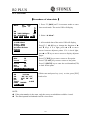
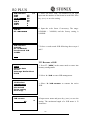
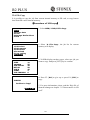
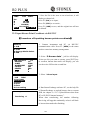
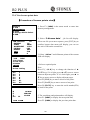
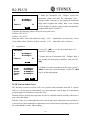
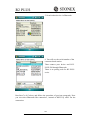
4. Select “4. Download” to enter into com output
mode and all JOBs display.
P1
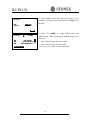
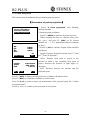
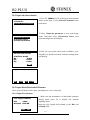
5. Select the JOB to be output.
15
56
20
50
45
2
0
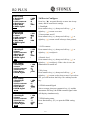
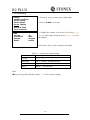
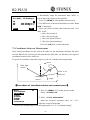
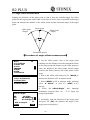
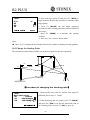
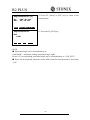
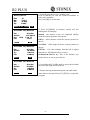
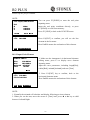
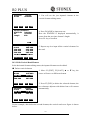
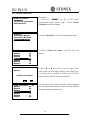
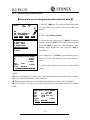
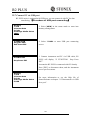
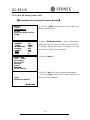
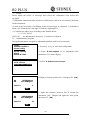
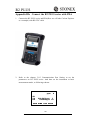
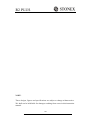
6. Press key {ENT} to start to send out via RS-232C
port, it will back to JOB list mode after finishing.
Com output
Sending
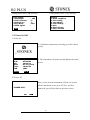
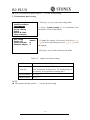
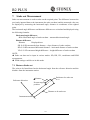
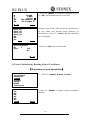
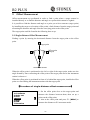
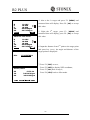
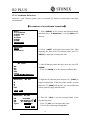
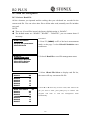
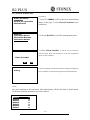
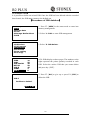
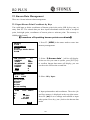
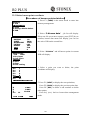
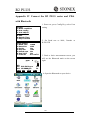
2. Select “1. JOB” to enter JOB management.
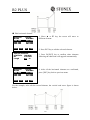
3. Connect your instrument and computer via
communication cable (standard component).
JOB
1.JOB select
2.JOB rename
3.JOB delete
4.Download
5.Com setting
6.File Copy
JOB deletion
JOBA
JOB1
JOB-Paul01
MYJOB000000
JOB-B
JOB01
JOB-C
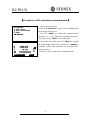
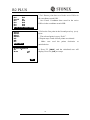
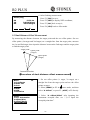
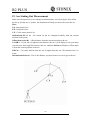
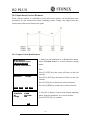
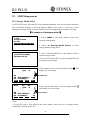
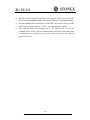
1. Select [MEM] in the status mode to enter into
memory management.
0
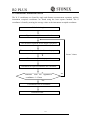
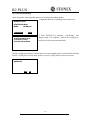
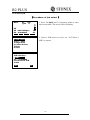
More details see the Help file of Stonex Exchange,
see chapter “2.1 Data transfer via RS-232C port”.
100