1
R2 PLUS
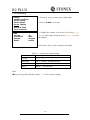
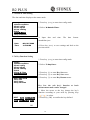
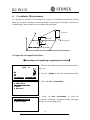
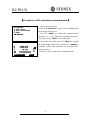
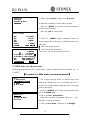
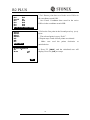
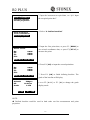
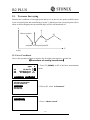
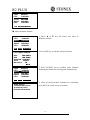
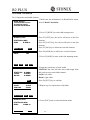
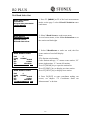
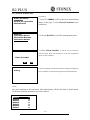
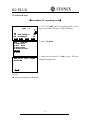
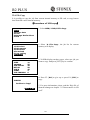
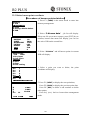
4. Press F4: [OK] to save the setting.
NOTE:
◆ The point number that was read is displayed until the current JOB is changed or a new
point number is selected.
◆ If more than two points with the same point name exist in the current JOB, the
instrument finds the first recorded data only.
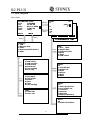
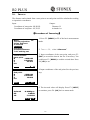
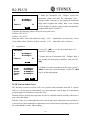
6.2 Azimuth Setting
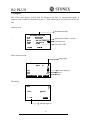
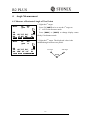
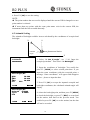
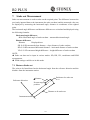
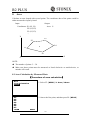
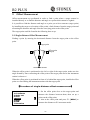
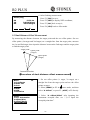
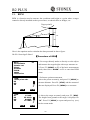
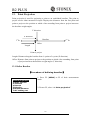
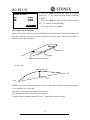
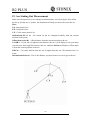
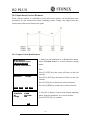
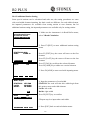
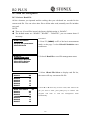
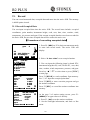
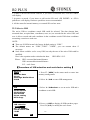
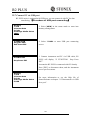
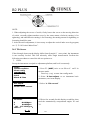
The azimuth of backsight could be inverse calculated by the coordinates of occupied and
backsight.
N
0
Azimuth
Instrument Station
Angle
Set H angle
1.Azimuth
2.Backsight
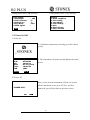
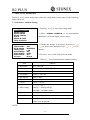
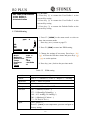
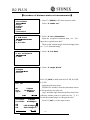
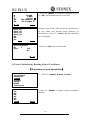
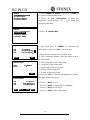
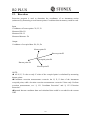
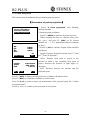
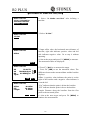
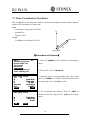
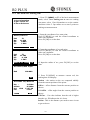
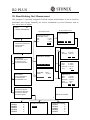
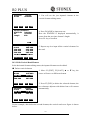
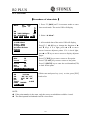
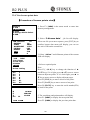
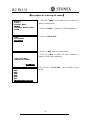
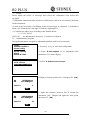
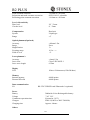
1. Select “2. Set H angle”, see “§6.1 Input the
occupied point data”. Then select “2. Backsight”.
Set H angle/BS
NBS:
EBS:
ZBS:
Pt#
20.000
20.000
20.000
P20
READ
0O K0
Set H angle/BS
Azimuth
450000
Tgt.H
0.000m
Pt#
MEAS
E
REC
OK
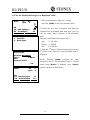
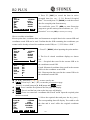
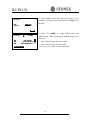
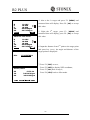
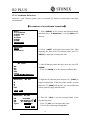
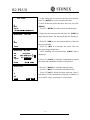
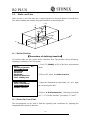
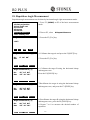
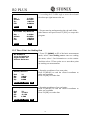
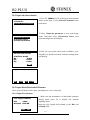
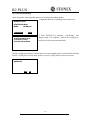
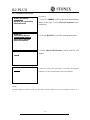
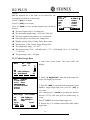
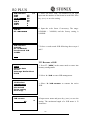
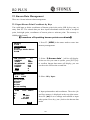
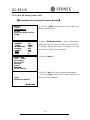
2. Input the coordinate of backsight. You could also
press F1: [READ] to select existed point data. If you
input the same coordinates with the occupied point, a
message “Same coordinates” will appear and disappear
in 5sec,please re-input the data.
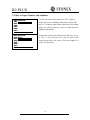
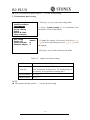
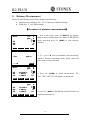
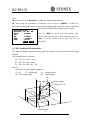
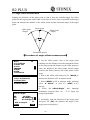
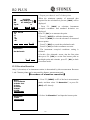
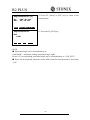
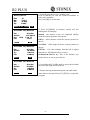
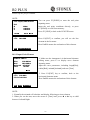
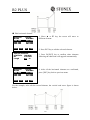
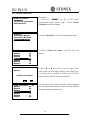
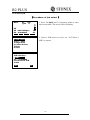
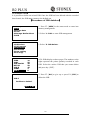
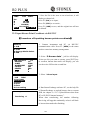
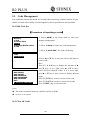
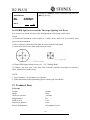
3. Press F4: [OK] to accept the inputted occupied and
backsight coordinates, the calculated azimuth angle will
display.
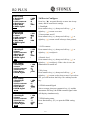
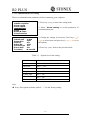
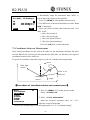
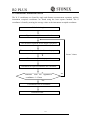
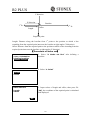
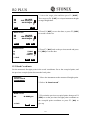
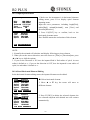
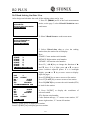
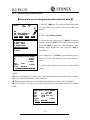
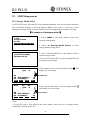
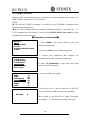
4. Aim at the backsight point, and then press F1:[MEAS]
to check the backsight, or press F3: [REC] to record and
set the station, then back to the previous mode. You
could also press F4: [OK] to set the station, but the data
will not be recorded.
31