1
Seq_Anal_Book Page 14 Monday, April 27, 1998 1:15 PM
Search
Find Again
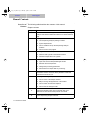
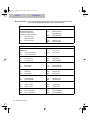
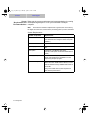
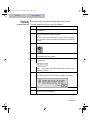
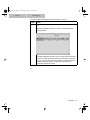
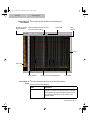
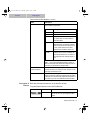
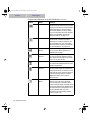
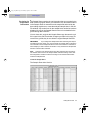
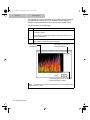
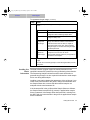
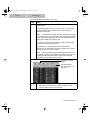
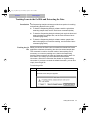
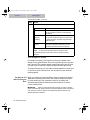
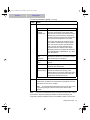
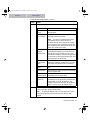
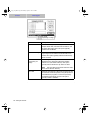
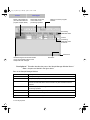
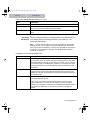
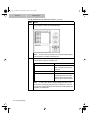
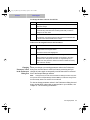
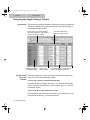
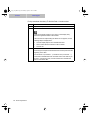
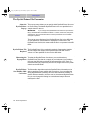
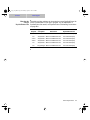
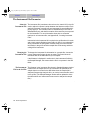
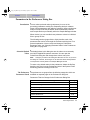
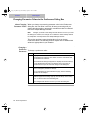
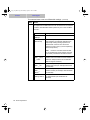
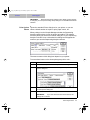
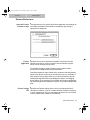
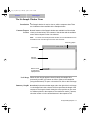
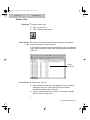
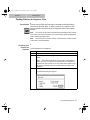
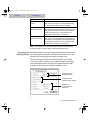
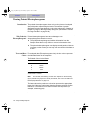
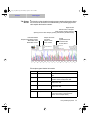
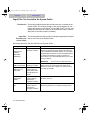
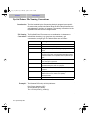
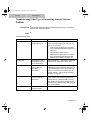
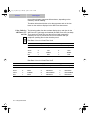
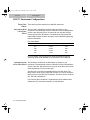
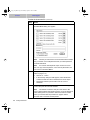
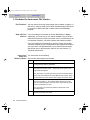
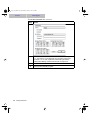
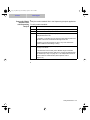
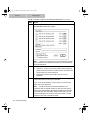
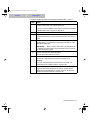
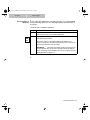
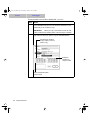
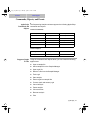
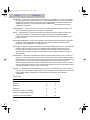
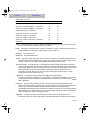
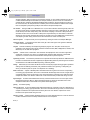
Components of the Sample Sheet
3-14 Working with the Gel File
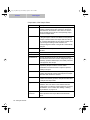
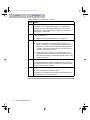
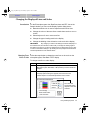
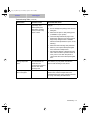
Item
Description
#
The lane number for the sample. The Sequencing
Analysis software assigns lane numbers to the gel Þle
lanes based on the numbers in this column. If a lane in
the gel is empty, there must be a corresponding empty
row in the Sample Sheet.
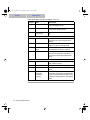
Used
When this checkbox is selected, the corresponding lane
in the gel image is marked Used. When the Sequencing
Analysis software extracts the sample data from the gel
Þle, it creates sample data only from lanes marked Used.
If you change the setting for this checkbox, the
corresponding lane marker in the gel Þle is automatically
changed.
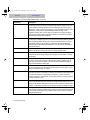
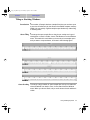
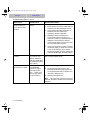
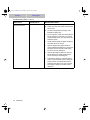
File Name
The name of the sample Þle to be created for the data in
this lane.
Sample Name
The name of the sample in this lane.
Comments
Comments about the sample.
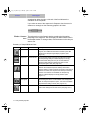
DyeSet/Primer
The dye set and primer Þle to be used during analysis.
The information in this Þle is used to designate the type of
chemistry, dye/base relationships, and mobility correction
to be applied to this sample.
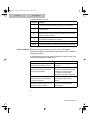
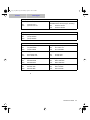
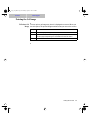
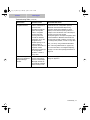
Inst. File
The instrument Þle to be used during analysis. The
Sequencing Analysis software uses the matrix
information in the instrument Þle to adjust for spectral
overlap in the dyes.
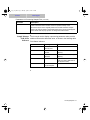
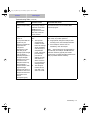
A
When this checkbox is selected, the Sequencing Analysis
software automatically creates and analyzes the sample
data after data collection is Þnished.
P
When this checkbox is selected, the Sequencing Analysis
software automatically prints the sample information after
it analyzes the sample data.
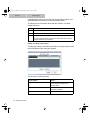
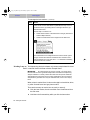
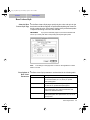
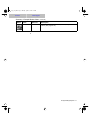
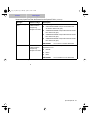
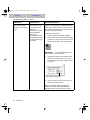
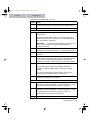
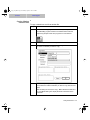
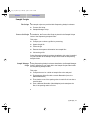
Project Namea
If the samples are extracted into the BioLIMSª 2.0
Database, this is the name of the collection that will
contain them. If a collection of that name does not exist in
the database, one is created. See ÒEditing or Adding
Project NamesÓ on page 3-16.
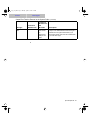
Project
Comment
Comment text associated with the BioLIMS 2.0 collection
name speciÞed in the Project Name Þeld described
above.