1
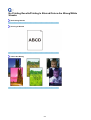
Line Does Not Print or Prints Partially
Check1
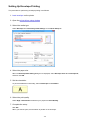
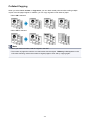
Is the Page Layout Printing performed or the Binding margin function used?
When the Page Layout Printing or Binding margin function is being used, thin lines may not be printed. Try
thickening the lines in the document.
Check2
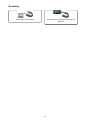
Is the size of the print data extremely large?
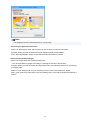
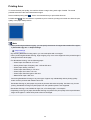
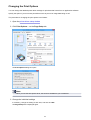
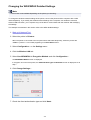
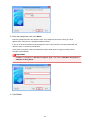
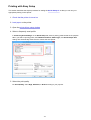
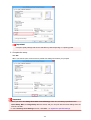
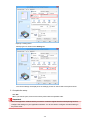
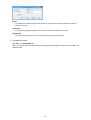
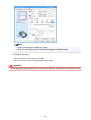
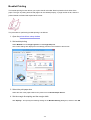
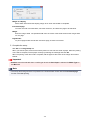
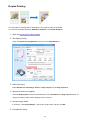
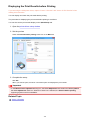
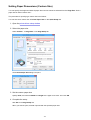
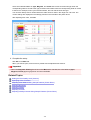
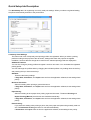
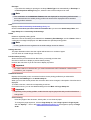
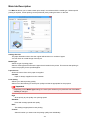
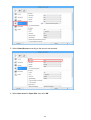
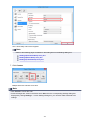
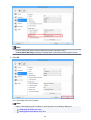
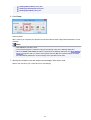
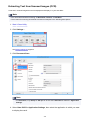
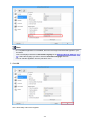
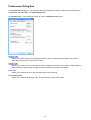
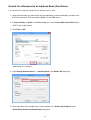
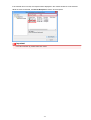
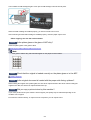
Click Print Options on the Page Setup sheet on the printer driver. Then, set Prevention of Print Data Loss in
the displayed dialog to On.
* When On is selected for Prevention of Print Data Loss, print quality may be reduced.
829