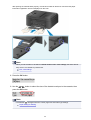
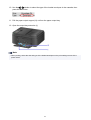
1
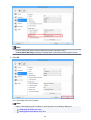
Note
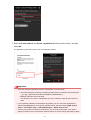
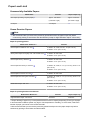
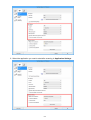
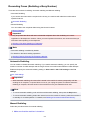
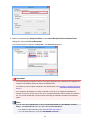
• When connecting to the xDSL line, select the same line type as you are subscribing to in
Telephone line type.
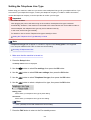
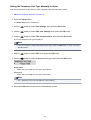
Setting the Telephone Line Type
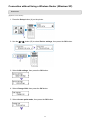
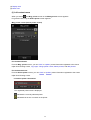
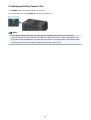
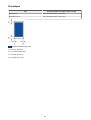
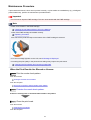
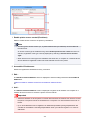
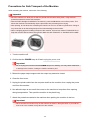
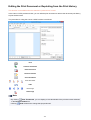
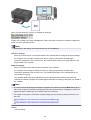
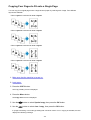
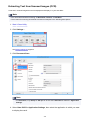
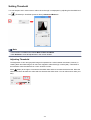
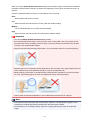
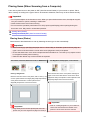
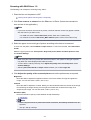
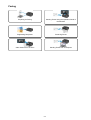
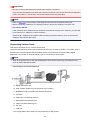
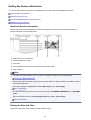
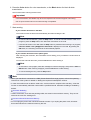
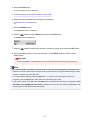
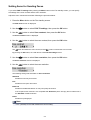
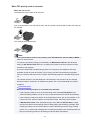
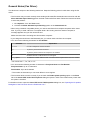
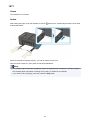
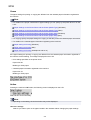
• Connecting to an xDSL
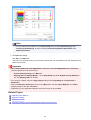
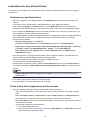
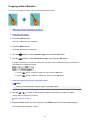
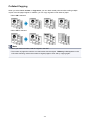
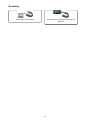
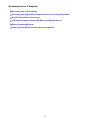
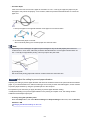
A. Analog Subscriber Line
B. xDSL modem (splitter may not be built-in to the modem)
C. Computer
D. Telephone or answering machine
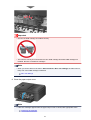
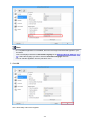
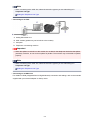
Important
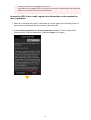
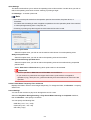
• When the splitter is not built-in to the modem, do not branch the telephone line before the splitter
(wall side). And also, do not connect splitters in parallel. The machine may not be able to operate
properly.
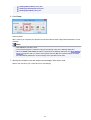
Note
• When connecting to the xDSL line, select the same line type as you are subscribing to in
Telephone line type.
Setting the Telephone Line Type
• Connecting to an ISDN Line
For details on ISDN (Integrated Service Digital Network) connection and settings, refer to the manuals
supplied with your terminal adapter or dial-up router.
679