1
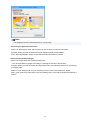
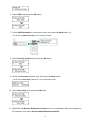
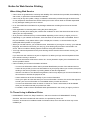
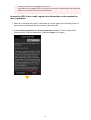
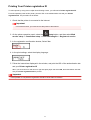
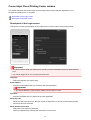
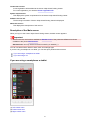
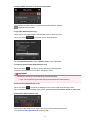
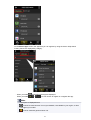
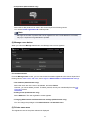
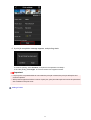
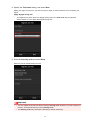
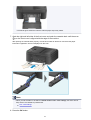
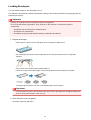
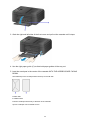
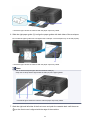
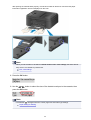
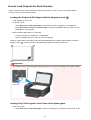
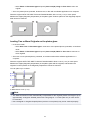
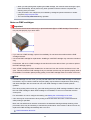
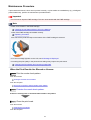
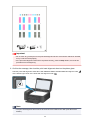
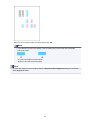
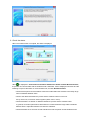
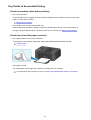
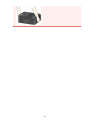
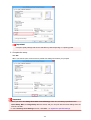
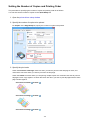
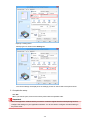
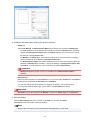
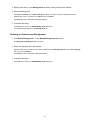
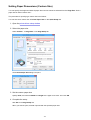
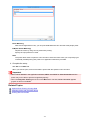
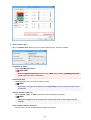
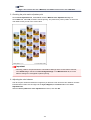
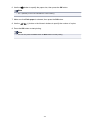
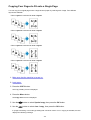
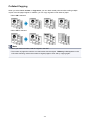
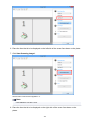
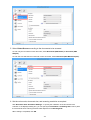
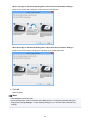
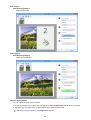
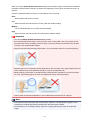
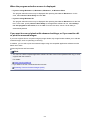
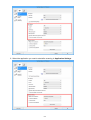
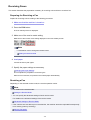
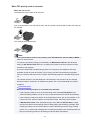
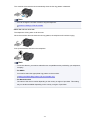
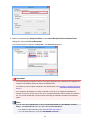
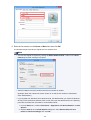
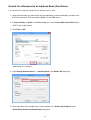
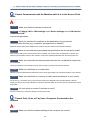
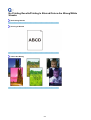
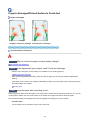
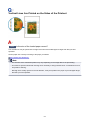
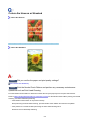
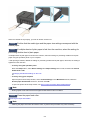
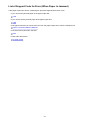
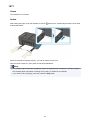
When Long edge is Selected for Binding Side in Document Scan Orientation Settings...:
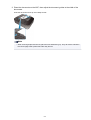
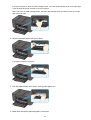
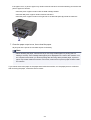
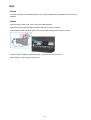
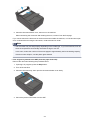
Place the documents after rotating the output documents 180 degrees.
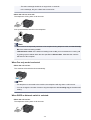
When Short edge is Selected for Binding Side in Document Scan Orientation Settings...:
Place the documents without changing the orientation of the output documents.
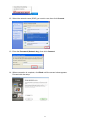
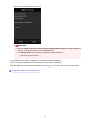
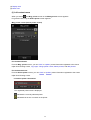
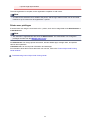
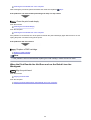
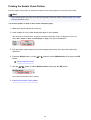
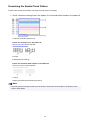
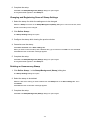
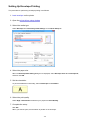
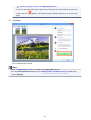
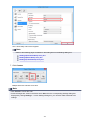
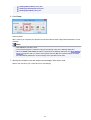
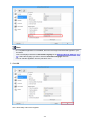
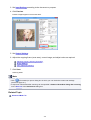
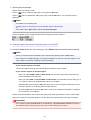
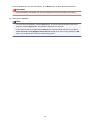
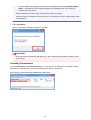
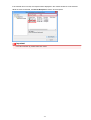
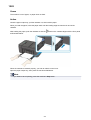
9. Click OK.
Scanning starts.
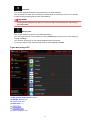
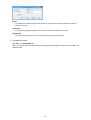
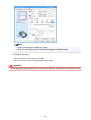
Note
• Click Cancel to cancel the scan.
• Scanned images are saved in the folder set for Save in in the corresponding Settings dialog box
displayed by clicking Settings.... In each Settings dialog box, you can also make advanced scan
settings.
495