1
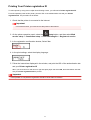
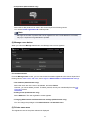
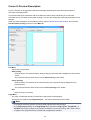
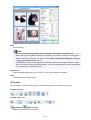
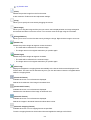
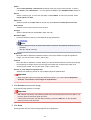
Starting IJ Scan Utility
Note
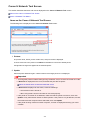
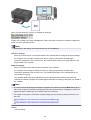
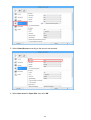
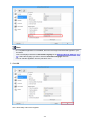
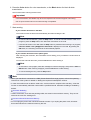
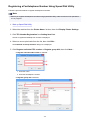
• If you have more than one scanner or have changed the connection from USB connection to network
connection, set up the network environment from IJ Scan Utility.
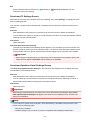
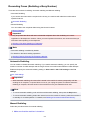
Network Scan Settings
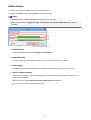
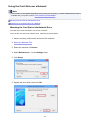
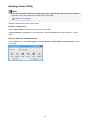
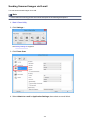
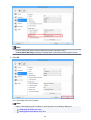
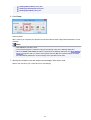
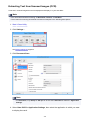
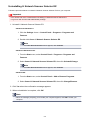
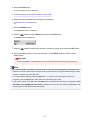
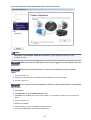
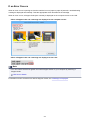
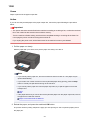
Follow the steps below to start IJ Scan Utility.
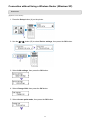
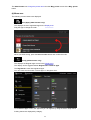
Windows 8.1/Windows 8:
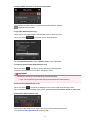
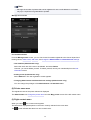
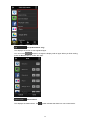
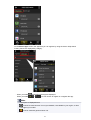
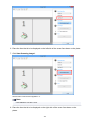
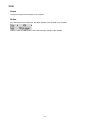
Select IJ Scan Utility on the Start screen to start IJ Scan Utility.
If IJ Scan Utility is not displayed on the Start screen, select the Search charm, then search for "IJ Scan
Utility".
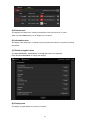
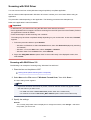
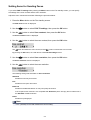
Windows 7/Windows Vista/Windows XP:
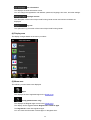
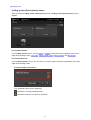
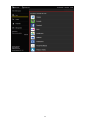
From the Start menu, select All Programs > Canon Utilities > IJ Scan Utility > IJ Scan Utility to start IJ
Scan Utility.
480