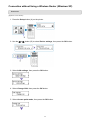
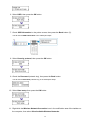
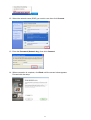
1
Note
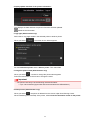
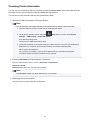
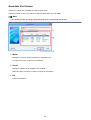
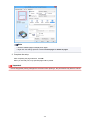
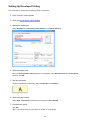
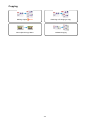
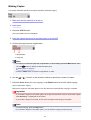
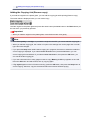
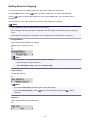
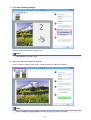
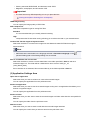
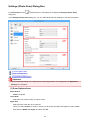
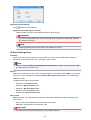
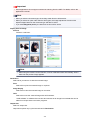
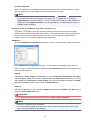
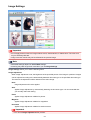
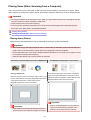
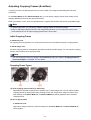
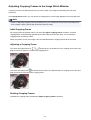
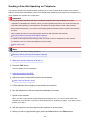
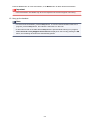
• Refer to "Adjusting Cropping Frames (ScanGear)" for details on cropping frames.
• For details on whether or how the cropping frame is initially displayed on a preview image, refer to
Cropping Frame on Previewed Images in "Preview Tab" (Preferences dialog box).
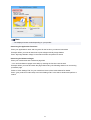
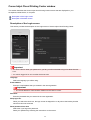
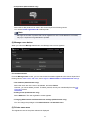
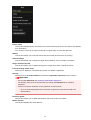
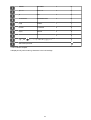
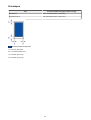
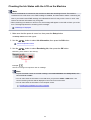
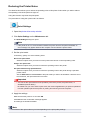
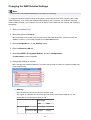
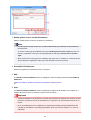
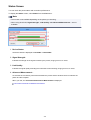
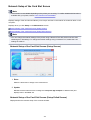
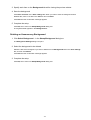
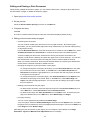
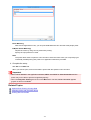
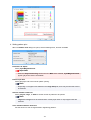
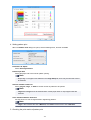
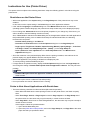
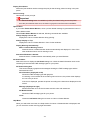
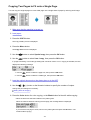
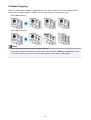
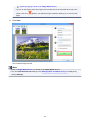
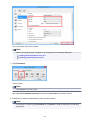
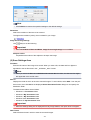
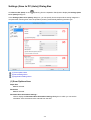
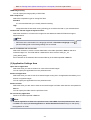
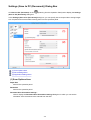
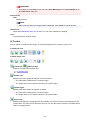
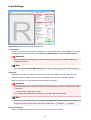
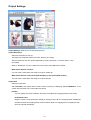
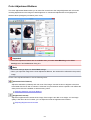
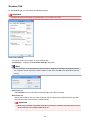
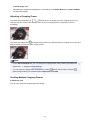
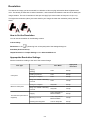
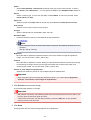
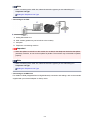
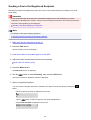
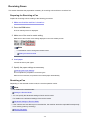
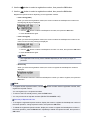
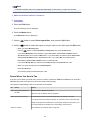
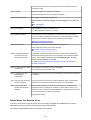
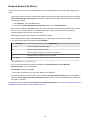
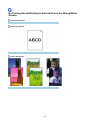
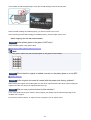
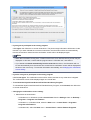
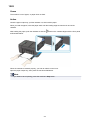
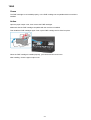
(Switch Aspect Ratio)
Available when Output Size is set to anything but Flexible.
Click this button to rotate the cropping frame. Click again to return it to the original orientation.
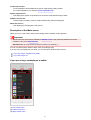
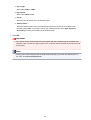
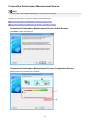
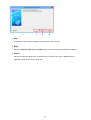
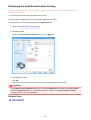
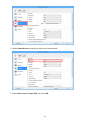
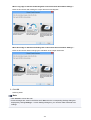
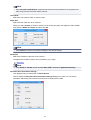
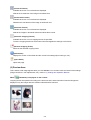
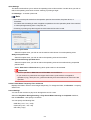
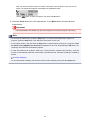
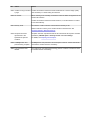
Data Size
The data size when scanned with the current settings is displayed.
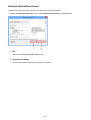
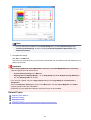
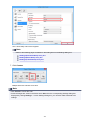
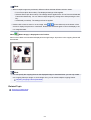
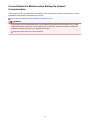
Note
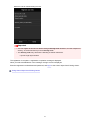
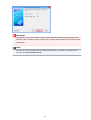
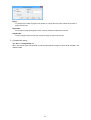
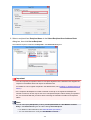
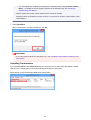
• When the data size exceeds a certain size, the value appears in red. In that case, a warning
message appears when you click Scan. It is recommended that you adjust the settings to reduce
Data Size. To continue, scan in whole image view.
613