1
Operating the 16x16 Modular Matrix
EDID Management
The 16x16 Modular Matrix incorporates EDID management support. Basic EDID functions,
such as storing EDID data to inputs can be performed using the buttons on the front panel.
Advanced EDID management features are controlled using RS-232 / IP Commands or
through the Web Interface.
Saving the Downstream EDID to an Input
1.
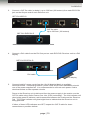
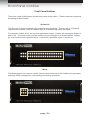
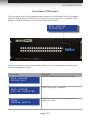
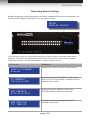
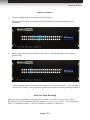
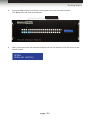
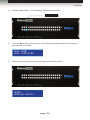
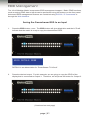
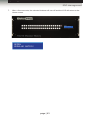
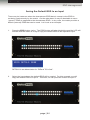
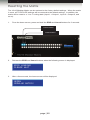
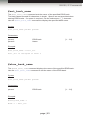
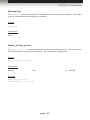
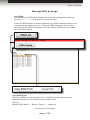
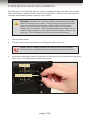
Press the EDID button, once. The EDID button will glow bright blue and the LCD will
indicate that the matrix is ready to copy the downstream EDID.
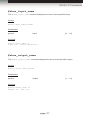
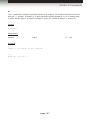
EDID DSTOLO MODE
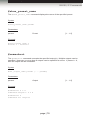
EDID DSTOLO MODE
DSTOLO is an abbreviation for “DownStream TO LOcal”.
2.
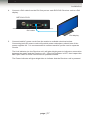
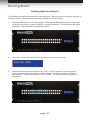
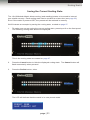
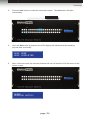
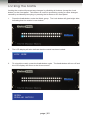
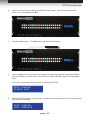
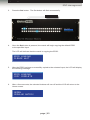
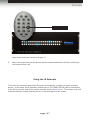
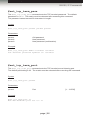
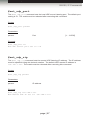
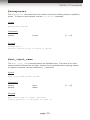
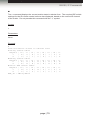
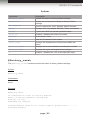
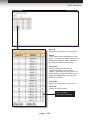
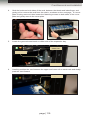
Press the desired output. For this example, we are going to copy the EDID of the
display that is connected to Output 3. Therefore, we will press the button for Output 3.
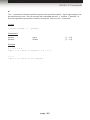
EDID DSTOLO MODE
(Continued on next page)
page | 41