1
cpx 020.qxd
09/08/2006
16:31
Page 68
CPX Engineer’s Reference Guide
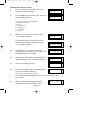
Programming Sounder Levels
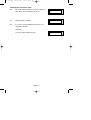
1)
Enter into Engineer Mode
To do this follow Steps 1 to 4 on page 18
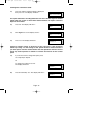
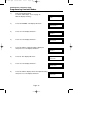
With the display showing:-
Program . . . .
Zones ?
___
___
2)
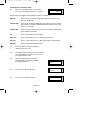
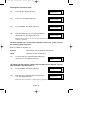
Press No ten times. The display will show:-
Program . . . .
Sounder Levels ?
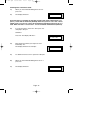
3)
Press Yes. The display will show:-
Program Sounder
Chime Level ?
4)
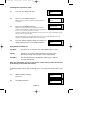
Press Yes. The display will show:-
Chime Level . . . . .
= 05
5)
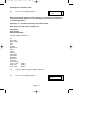
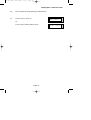
Press No twice. The display will show:-
Chime Level . . . . .
=__
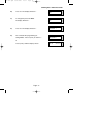
6)
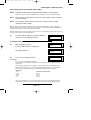
Enter a value 1 to 9 (1=Low 9=High) followed by
Yes. The display will show:-
Program Sounder
Chime Level ?
7)
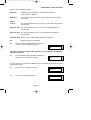
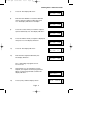
Press No. The display will show:-
Program Sounder
Ent / Exit Level ?
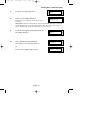
8)
Press Yes. The display will show:-
Ent / Exit Level
= 05
Page 68