1
1. Windows / Dialogs
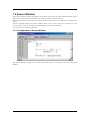
1.4 Register Window
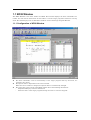
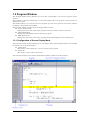
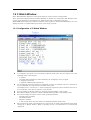
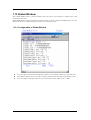
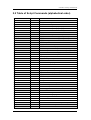
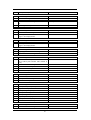
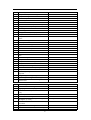
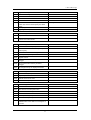
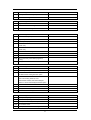
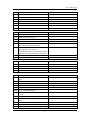
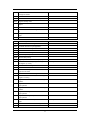
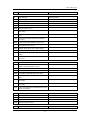
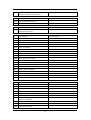
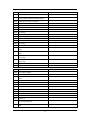
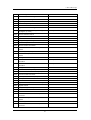
The Register window displays the register data and flag data. You can change a register/flag value
from the window.
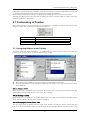
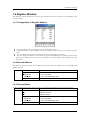
1.4.1 Configuration of Register Window
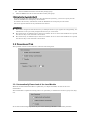
If a register/flag value is changed, the value is displayed in red.
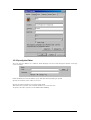
Double-clicking the register display line opens a dialog, which allows you to change a register
value.
z You can change a flag value by clicking the button corresponding to the flag.
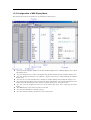
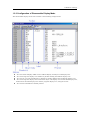
z You can change the display ratio between the register name display area and the register value
display area, and between the register value display area and the radix point display area, using
the mouse.
z
z
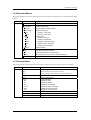
1.4.2 Extended Menus
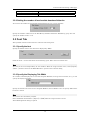
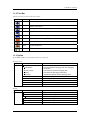
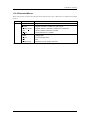
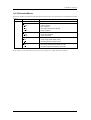
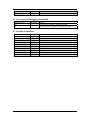
The Register window provides the following menu when being active (This menu is called Register
window option).
Menu
Menu Options
Function
Layout
Set layout
Hide Radix
Hide FLAGs
Font...
Turn on/off radix
Turn on/off flags display area
Change font
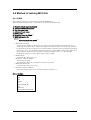
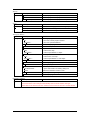
1.4.3 Shortcut Menu
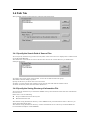
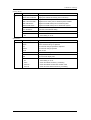
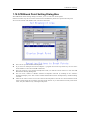
Press the right button on the register display area in Register Window to display shortcut menu.
Menu
Menu Options
Function
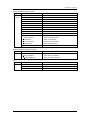
Right Click
Hex
Display in hexadecimal
Dec
Display in decimal
Bin
Display in binary
Layout
Set layout
Hide Radix
Turn on/off radix
Hide FLAGs
Turn on/off flags display area
Font...
Change font
39