1
DataNet OPC User Manual
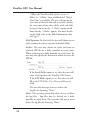
5.2 Column Configuration
DataNet OPC displays data in an easy-to-read table format.
Each cell displays a different piece of data from the OPC
Server. By editing the column configurations, the DataNet
OPC user can change the table’s appearance by creating a
label, or specifying the width, number of decimals and
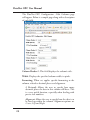
alignment of the chosen column. To access the column
configuration page, first open the main Configuration page,
by clicking Configure in the lower right-hand corner of the
DataNet OPC page:
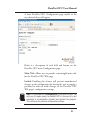
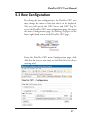
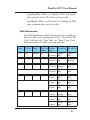
From main Configuration page, click Edit Columns:
25