1
DataNet OPC User Manual
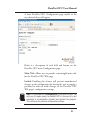
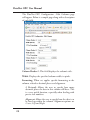
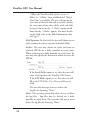
The DataNet OPC Configuration - Edit Columns page
will appear. Below is a sample page along with a description
of each field.
Column Header #: This field displays the column’s title.
Width: Displays the specified column width, in pixels.
Formatting: When set, applies specific formatting to the
column, related to decimal places and alignment.
# Decimals: Allows the user to specify how many
decimals places the data in this column will have. This
is a very useful function, especially when dealing with
precise real numbers.
Alignment: Allows the user to specify how the data is to
be lined up within the column. Alignment options are
Center, Left and Right.
26